PowerPoint to SCORM eLearning
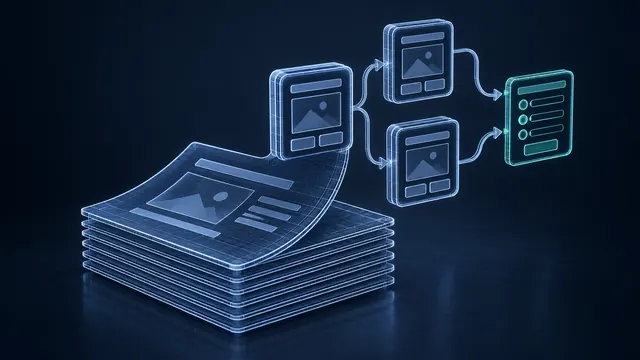
Most organizations already have a pile of PowerPoint decks from classroom training. Those slides hold years of knowledge, but they were built for an instructor standing at the front of the room. I turn that material into self-paced online courses or blended programs that run in your LMS and track every learner.
From Slide Deck to Real Course
A slide deck read aloud is not an eLearning course. The instructor used to supply the stories, the examples and the questions. Part of my job is to put that missing layer back. I rework the content into short lessons, add interactions and knowledge checks, and produce narration so learners get the full message without a trainer in the room.
Some programs work best fully online. Others work better as blended learning, with online modules before or after a live session. I will help you decide which fits your audience.
I also look at what the learner needs to do after the course. Slides often focus on information. A good online course focuses on decisions and actions, so I add practice scenarios where they help people apply what they learned on the job.
SCORM, AICC or xAPI Output
Your finished courses are packaged for the standard your LMS expects. I build in Articulate Storyline, Adobe Captivate or custom HTML5, and publish to:
- SCORM 1.2 or SCORM 2004 for most LMS platforms
- AICC for older systems that still depend on it
- xAPI or cmi5 when you want richer learner data in an LRS
I test each package in your LMS, or a matching test environment, so completions and scores report correctly before launch.
Built for Volume and Deadlines
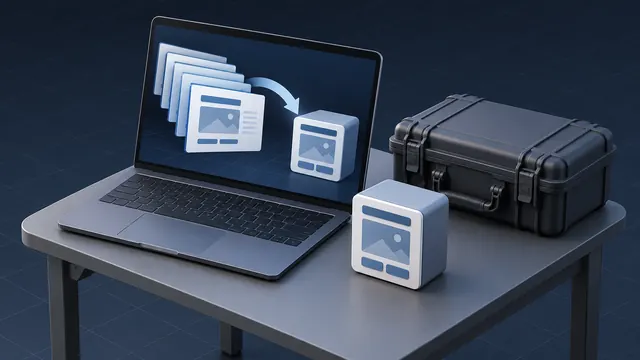
PowerPoint conversion projects often arrive in batches. A compliance update might mean dozens of decks due in one quarter. I set up shared templates and a repeatable production line so every course looks consistent and moves quickly. I also use PowerPoint as a storyboard tool, which keeps reviews simple for subject matter experts who already know the software.
Tight deadlines are normal in this kind of work. A new policy, an audit finding or a product launch can turn a slow project into an urgent one. When that happens, I set priorities with you, build the most important courses first and add contractors if the volume demands it, so quality holds even when the calendar is short.
How AI Speeds Up Conversion
AI tools help with the slow parts of this work. I use them to turn speaker notes into draft narration scripts, suggest quiz questions from slide content, and generate natural AI voice audio for review rounds. Your team gets to react to a working draft sooner. A human designer still shapes every lesson, and your experts approve the final content before it ships.
AI can also help with translation when a course needs to reach learners in more than one language. A fluent reviewer checks every translated version before it goes live.
Common Questions
What do you need from us to start?
Send your PowerPoint files, any speaker notes or instructor guides, and the name of your LMS. If you have brand guidelines or an existing course template, include those too. With that, I can send you a free estimate by email.
Can you handle a large batch of decks?
Yes. High-volume projects are common. I build reusable templates and a set production process, and when the schedule calls for it I bring in specialized contractors to keep quality steady across every course.
Will the converted courses work on mobile devices?
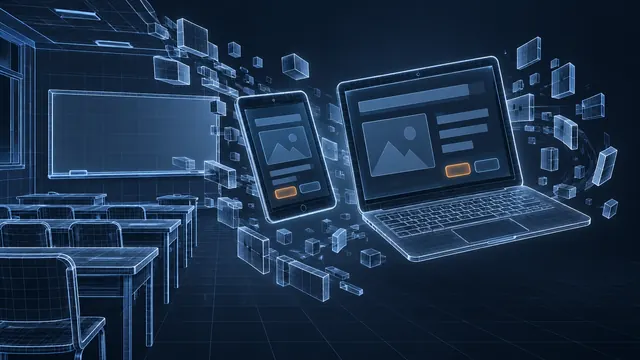
They can. When mobile access matters, I build with responsive HTML5 output so learners can take the course on a phone, tablet or desktop computer.
Related reading
Have an eLearning Project in Mind?
Tell me about your course, conversion or team challenge. I will reply within one business day with next steps and a free estimate.