Authorware Course Conversion
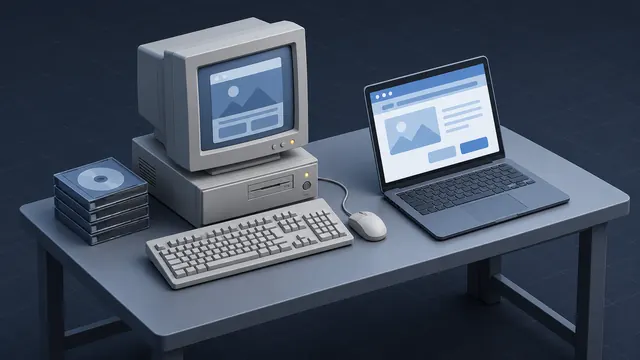
Adobe Authorware powered a large share of computer-based training in its day. Those courses were often well designed, but they were made for CDs and older versions of Windows. I convert Authorware CBTs into web-based courses that run in a browser, launch from your LMS and report who finished.
A Familiar Scenario
Picture a training office with a shelf full of training CDs. The courses still teach the right procedures, but new laptops will not run them, and the LMS has no record of who took them. Leadership wants everything in one place with real tracking.
That is the kind of project I take on. We pick which courses to keep, update what has changed and rebuild the rest so the whole collection lives on the LMS.
Projects like this are often driven by an audit, a new LMS rollout or a hardware refresh that finally leaves the old CDs unusable. Whatever the trigger, the work is the same: save what is good, fix what is outdated and get everything tracked.
The Authorware Conversion Process
Each Authorware course gets the same careful treatment:
- Review the original course structure, branching and scoring
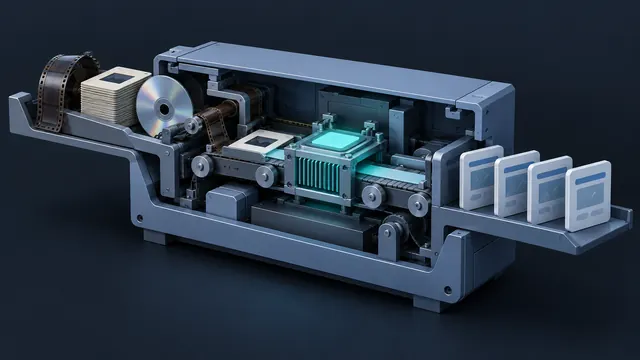
- Extract text, graphics, audio and video wherever possible
- Rebuild the course in Articulate Storyline or HTML5
- Recreate quizzes and scoring so results report to the LMS
- Publish to SCORM, AICC or xAPI and test it on your platform
Authorware courses often relied on detailed branching and custom logic. I rebuild that logic carefully so learners still follow the right path through the content.
I document the original logic before rebuilding, so your experts can confirm that pass scores, remediation loops and required sections still work as intended.
What You Gain After Conversion
After conversion, the course runs in any modern browser with nothing to install. Your LMS tracks completions and scores. Content becomes easy to edit in a current tool, and the course can be made responsive and more accessible. Training that once sat on a shelf becomes part of your active catalog again.
Converted courses are also easier to maintain. When a procedure changes, your team can edit a screen and republish in minutes instead of pressing new CDs or hunting for an Authorware license that no longer exists.
AI-Assisted Media Recovery
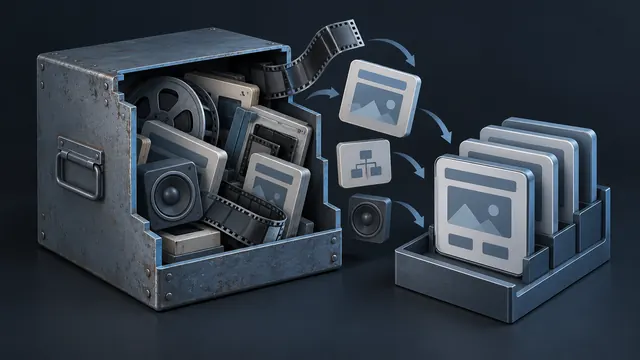
Authorware projects often come with missing source files and aging audio. AI tools help me transcribe narration into editable scripts, clean up noisy recordings, generate fresh AI voice tracks when needed, and organize large sets of extracted media. I review everything myself, and your experts approve any content updates.
For large libraries, AI also helps me sort and label hundreds of extracted files, matching audio clips to the right screens much faster than doing it by hand.
Common Questions
We only have the Authorware CDs. Is that enough?
In many cases, yes. I can work from the packaged course on the CD, pull out media where possible and capture the rest from the running program. If you also have source files, the process goes faster.
Can you convert a whole library at once?
Yes. For larger collections, I build a shared template and a set process so every course comes out consistent. When the volume calls for it, I bring in specialized contractors to keep the schedule on track.
Should we update the content during conversion?
It is the best time to do it. I flag outdated screens as I review each course, and your subject matter experts decide what to change before the rebuild.
Related reading
Have an eLearning Project in Mind?
Tell me about your course, conversion or team challenge. I will reply within one business day with next steps and a free estimate.