What Is CBT to WBT Conversion? – Computer- to Web-Based Training
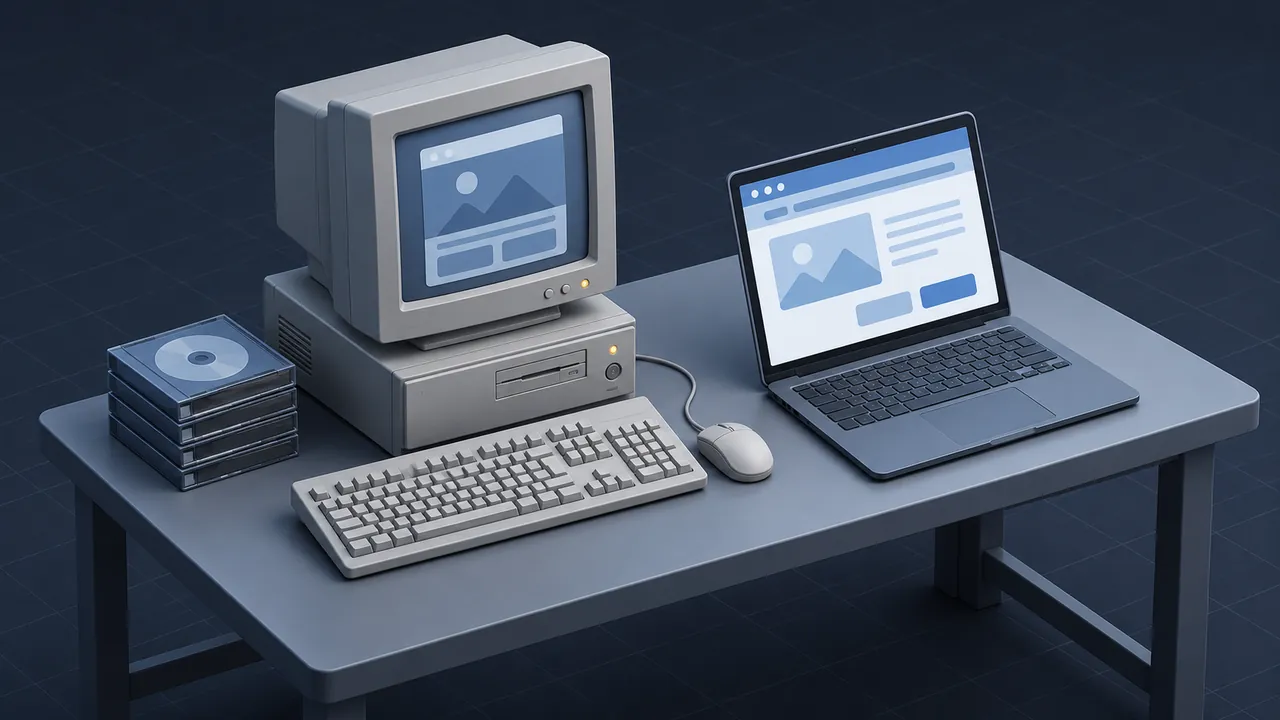
Computer-based training (CBT) is any course delivered on a computer, and for a long time that meant a program installed on a training room PC or loaded from a CD-ROM. Plenty of those programs are still around. Some still matter, especially in plants, utilities and agencies where the procedures haven't changed much. But the machines that ran them are getting harder to find. So what is CBT to WBT conversion, and should you do it?
CBT to WBT conversion is the process of moving computer-based training, which ran as installed software or from discs, into web-based training (WBT) that runs in a browser and reports to a learning management system (LMS). In practice it means recovering the content of the old program, the text, graphics, audio, video, questions and logic, and rebuilding it in a modern authoring tool that publishes HTML5. The result runs on current computers, tablets and phones without installation, and it can track completion and scores centrally. It is worth doing for courses that still teach something your people need. Courses that are outdated or unused should be retired instead.
What Is the Difference Between CBT and WBT?
The difference is mostly about where the course resides and how it is delivered: a CBT program lives on the computer in front of the learner, while a WBT course lives on a server and opens in a browser.
| CBT (computer-based training) | WBT (web-based training) | |
|---|---|---|
| Where it runs | Installed on a PC or launched from a disc | In a web browser, from a server or LMS |
| Updates | New discs or reinstall on every machine | Update once on the server |
| Tracking | Often local files, a separate database or none | Central records in the LMS |
| Devices | Usually one type of desktop computer | Desktops, laptops, tablets and phones |
| Typical tools | Authorware, ToolBook, Director, custom code | Modern HTML5 authoring tools |
Some early web courses were also called CBT, so the terms overlap. When people talk about CBT conversion today, they nearly always mean the disc-and-installer kind.
Why Does Old CBT Stop Working?
CBT was built for the computers of its era, and as operating systems changed, many programs lost the components they relied on. Older installers may need administrator rights that IT no longer grants. Some were written for 16-bit Windows, which current 64-bit versions of Windows cannot run at all, and others need plug-ins or runtime players that are no longer supported. Even when an old program runs, security teams are often uneasy about unsupported software on the network.
Tracking is the other problem. Many CBT programs kept scores in local files or a standalone database. Others used early standards from the Aviation Industry CBT Committee, the group whose AICC guidelines shaped how training software reported results. When the records sit on one machine in one training room, auditors and managers can't easily see who completed what.
How Does CBT to WBT Conversion Work?
Every project is a little different, but most follow the same path.
- Get the program running somewhere. Find a machine or a virtual machine where IT allows the old CBT to run, ideally off the main network. You need to see the course to rebuild it.
- Capture everything. Take screenshots of every screen, record the screen as you click through branches and export any text, graphics and audio files you can reach.
- Find the source files. If the original authoring files exist, they may hold the full script, quiz banks and media in a cleaner form.
- Review the content with a subject matter expert (SME). Procedures, part numbers and regulations change. Fix accuracy before rebuilding.
- Rebuild in a modern authoring tool. Recreate the screens, interactions and questions in HTML5.
- Publish for your LMS, usually as a SCORM package, and test tracking, completion and scores.
- Pilot with real learners, fix what confuses them and launch.
The capture step is the one people skip and later regret, because once the last old machine is wiped, any branch you didn't record is permanently gone.
What Old CBT Tools Might You Find?
Most CBT libraries were built with a handful of authoring tools, and knowing which one you are dealing with helps you plan the conversion.
- Authorware, a flowchart-style tool popular for training, often packaged as a Windows program. If you have these, our guide to Authorware conversion walks through the details.
- ToolBook, a book-and-page style authoring tool used for many corporate and technical courses.
- Director, a multimedia tool used for animated, media-heavy programs.
- Custom code in languages such as Visual Basic or C++, often built by internal teams or small vendors.
- Early web courses that relied on plug-ins like Flash, which now face the same problems as installed programs.
For a broader history of the tools that let non-programmers build interactive courses, Wikipedia's overview of authoring systems is a useful starting point.
Should the Course Change During Conversion?
Yes, at least modestly. A word-for-word copy of a CBT program carries over its weaknesses along with its strengths, and old courses often have long text screens, tiny fonts sized for 800-by-600 monitors and click-next pacing.
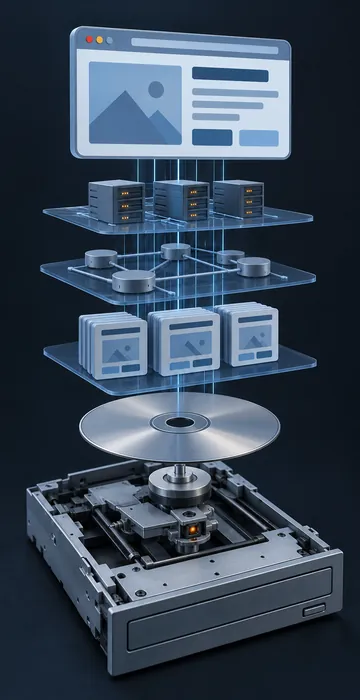
Use the rebuild to make sensible improvements: break long courses into shorter modules, make text readable on a tablet, add captions to audio and video and replace a few recall questions with short scenarios. Keep the elements that worked, such as a good simulation of a control panel or a clear walkthrough of a procedure, because people who took the old course often remember those parts fondly.
Don't let improvements turn into an accidental redesign, though. Agree in advance on what will change, or the project scope will drift.
Who Needs to Be Involved?
A small team can handle most conversions, but each role matters. Leave one out and the project stalls at a predictable point.
- An IT contact who can set up a safe, isolated machine to run the old program and who can approve the new course on the LMS.
- A subject matter expert who can say what is still accurate and what has changed since the course was built.
- An instructional designer who decides what to keep, what to cut and how the new version should flow.
- A developer who knows the modern authoring tool and can rebuild interactions and test tracking.
- A few real learners, preferably people who do the job today, to try the pilot.
On a small project, one person may fill two or three of these roles, which is fine as long as someone is clearly responsible for each job.
How Long Does It Take?
It depends far more on what you can recover than on how long the course is. A program with clean source files and simple screens moves quickly, while a program with no source files, heavy custom interactions and lost audio takes much longer, because so much has to be recreated by hand.
Consider two hypothetical 30-minute CBT courses. Course A has its original files, mostly text and graphics and a 20-question quiz, while Course B exists only on a disc and includes a hand-built equipment simulation. Course A might take a fraction of the time Course B does, even though both run the same length, so estimate per course after a pilot rather than applying one flat number to the whole library.
Build in time for SME review as well, because experts are busy, and review is where schedules usually slip.
Is CBT to WBT Conversion Worth It?
It is worth it when the course still teaches something people need and building it from scratch would cost more. A good CBT program often contains years of SME knowledge, tested questions and carefully drawn graphics. Rebuilding from that foundation is usually faster than starting with a blank page.
It is not worth it when the content is badly outdated, the job it supported no longer exists or nobody is assigned the course. In those cases, retire it, keep a record of what it covered and move on.
A good test: if the old program vanished tomorrow, would anyone notice? If the answer is yes, convert it. If the answer is a shrug, archive it.
Off the Training Room PC and Into the Browser
CBT to WBT conversion takes training that is stuck on old machines and puts it in a browser, where crews can reach it from a desk, a tablet or a phone and where the LMS can track it. The work is mostly recovery: get the old program running, capture every screen, confirm the content is still right and rebuild it in a modern tool.
If you have a shelf of old discs or a training PC nobody dares to turn off, start by listing what is on them. Then, before anything else, get the most important programs recorded screen by screen while a machine can still run them, because everything else in the project can be redone later, but that capture can't. If you'd like help planning that capture or the rebuild that follows, CBT to WBT conversion is work I do, and an early look at what's on those discs costs you nothing.