Flash to HTML5 Course Conversion
Adobe Flash reached end of life on December 31, 2020, and modern browsers no longer run it. If your training still depends on Flash, learners are probably seeing blank screens or error messages. I rebuild those courses in HTML5 so they work in every modern browser, on phones and tablets, and in your LMS.
Rebuilt, Not Just Repackaged
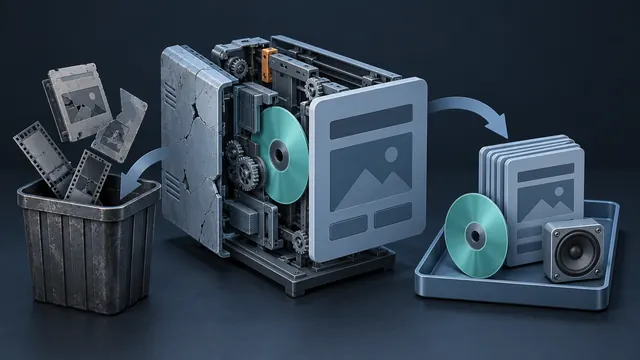
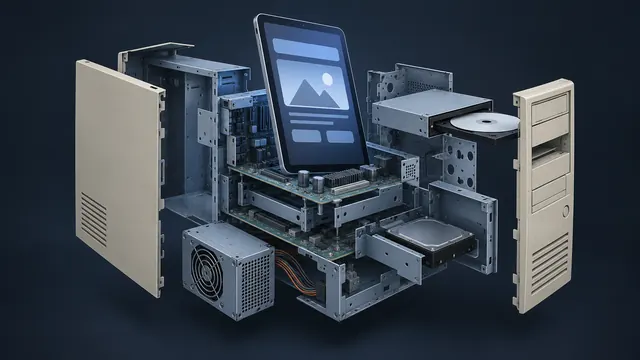
A good conversion is more than a file format swap. I review the original course, recover the content and media, and rebuild the interactions so they behave the way learners expect today. Flash animations become HTML5 animation or video. Custom Flash games and simulations are recreated in JavaScript or a modern authoring tool.
I also look for content that needs updating. Many Flash courses are more than a decade old, and policies, procedures and software screens may have changed since then. Your subject matter experts can review a list of flagged screens before I rebuild, so the new course is accurate on launch day. You get a cleaner, more current course without a separate project.
Accessible and Mobile Friendly
Flash courses were rarely built with accessibility in mind. The rebuild is a chance to fix that. I add keyboard navigation, screen reader support, captions and readable color contrast, and I build layouts that adapt to smaller screens. The result works for more of your learners on more of their devices.
Accessibility is also easier to maintain going forward. Once the course is built on accessible templates, future updates keep those features in place without extra work.
Easier to Update From Here On
Many Flash courses were hard to change because the source files were lost or only one developer understood them. I deliver the new course with clean, organized source files in a common tool such as Articulate Storyline, or in well-commented HTML5 code. Your team can update text, swap images and republish without starting over. A typical conversion includes:
- Content and media recovery
- Rebuilt interactions and assessments
- SCORM, AICC or xAPI publishing
- Testing across browsers, devices and your LMS
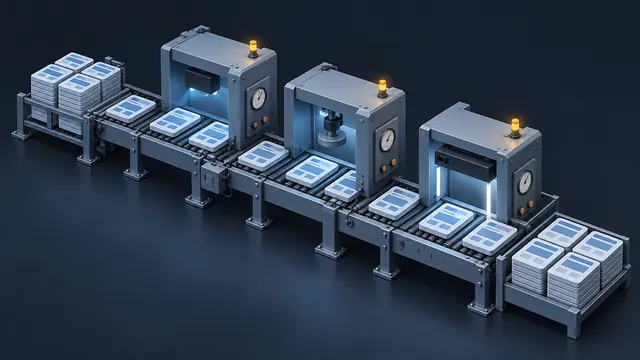
If you have a large library of Flash content, I can set up a batch process with shared templates so courses convert consistently and quickly.
How AI Helps With Flash Conversions
AI tools speed up the recovery work. They can transcribe old narration into scripts, help clean up or upscale aging graphics, and translate legacy ActionScript logic into a starting point for JavaScript. I test and rewrite that code by hand, and every converted screen is checked against the original before you see it.
AI also helps when a Flash course has no script at all. It can describe what happens on each captured screen, which gives me a fast first draft of a storyboard to rebuild from. I confirm every detail against the original course.
Common Questions
Can you convert Flash courses without the original FLA files?
Often, yes. I can work from the published SWF files, captured screens and any media that can be extracted. Missing pieces get rebuilt. I will tell you up front if anything cannot be recovered.
Will the converted course look the same?
It can look very close to the original if that is what you want. Some teams prefer to use the conversion to refresh the design as well. We decide that together before work begins.
How long does a Flash conversion take?
It depends on the size of the course and how much media can be recovered. After I review your files, I will send a free estimate by email with a clear timeline.
Related reading
Have an eLearning Project in Mind?
Tell me about your course, conversion or team challenge. I will reply within one business day with next steps and a free estimate.