Why eLearning Rework Gets Expensive – The Propagation of Error
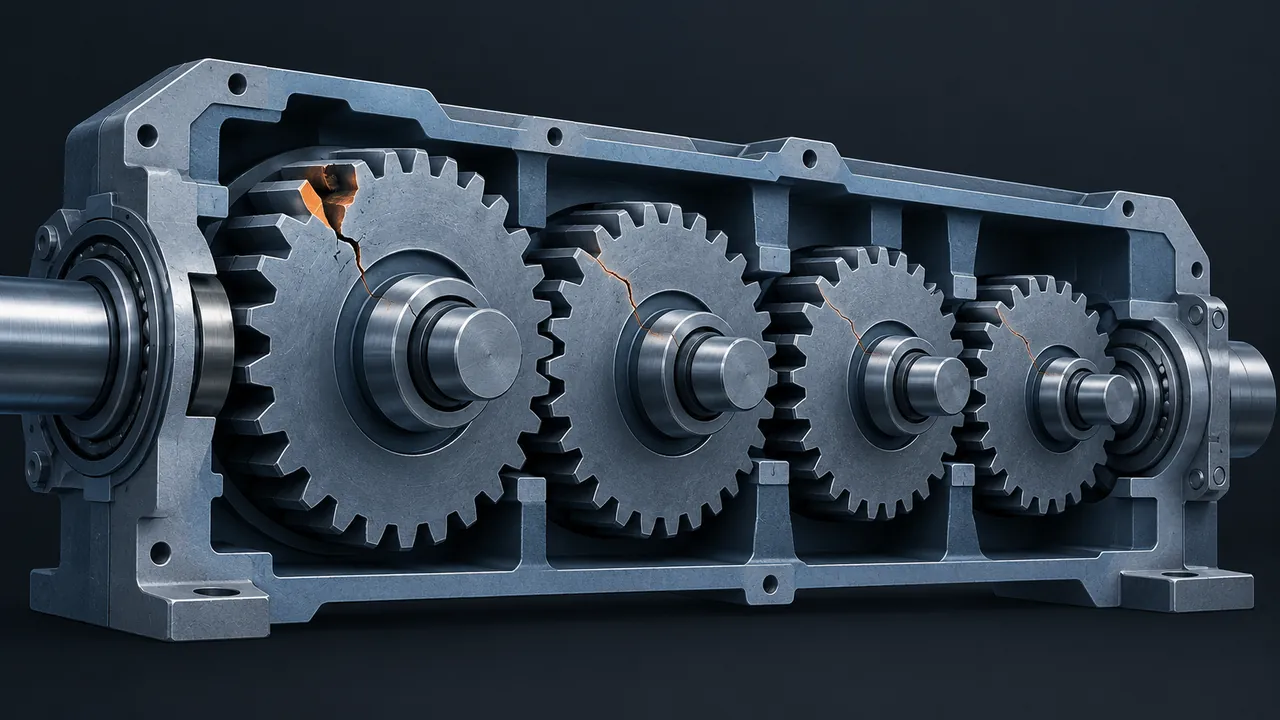
A reviewer spots it during the beta: the course calls the procedure by its old name. It's one term, so surely it's a quick fix? Then you count, and it appears in the narration on nine screens, two graphics, a quiz question, the glossary and the closed captions. Correcting it requires a new recording session, re-syncing audio, editing images, republishing and retesting. That's eLearning rework, and it's why a "quick fix" can consume a week. Why does a small mistake get so expensive to fix later in an eLearning project?
eLearning rework gets expensive because each production step builds on the one before it, so an error made early gets copied into every later layer: narration, graphics, captions, build, testing and the published package. A wrong word in the script takes minutes to fix while it's still in the script. After it has been recorded, illustrated, built and tested, the same fix touches every one of those layers, and each layer has its own cost and its own chance of introducing a new mistake. The cure is to catch errors where they start, by finishing review of the script and storyboard before production begins.
What Is the Propagation of Error?
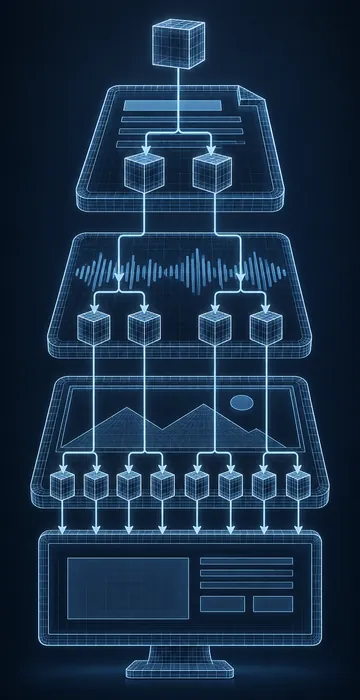
The propagation of error is the way a single mistake multiplies as it moves through the stages of course production. Instructional Engineer uses the term to explain why late fixes cost so much. eLearning is built in layers, and each layer inherits whatever is in the layer above it.
Consider the flow of production. The script feeds the storyboard, and the storyboard feeds the voice talent, the graphic designer and the developer. The narration feeds the captions and the animation timing, while the build feeds QA (quality assurance), and QA feeds the published package in the learning management system (LMS). An error in the script doesn't stay in the script, because it gets read aloud, illustrated, typed, timed and tested.
The error also becomes harder to detect as it travels. In a script, the wrong term is right there on the page, but in a finished course it's buried in audio and images, and the team may not locate every copy on the first attempt. That's how a "fixed" error reappears in the next review round.
How Fast Does the Cost of Rework Grow?
The cost grows with every layer the error has reached. The chart below is a worked example rather than research data, modeling one terminology error that appears on 12 screens of a narrated course and estimating the hours to correct it depending on when it's caught.
Same error, caught at different phases
Model: one wrong term on 12 narrated screens; estimates include editing, re-recording, re-syncing, graphics, republishing and retesting at each phase.
View the data
| Hours to fix | |
|---|---|
| Script | 0.5 hrs |
| Storyboard | 1.5 hrs |
| After narration | 5 hrs |
| After build | 9 hrs |
| During QA | 12 hrs |
| After launch | 16 hrs |
Here's how the example adds up. In the script, the correction requires a search, a replace and a quick check by the subject matter expert (SME), and in the storyboard you add the visual notes and on-screen text. After narration, add a recording session and audio editing for 12 lines. After the build, add re-syncing animation timing, updating on-screen text and graphics, and republishing. During QA, add retesting and another review. After launch, add a new LMS upload, version tracking and a note to learners.
Your own numbers will differ, but the shape almost never does. Software teams have long made a similar argument for testing early: the later a defect is found, the more work has piled on top of it.
Where Does eLearning Rework Usually Come From?
Most eLearning rework comes from a short list of upstream problems, and they're worth identifying, because each one has a specific solution.
- Scripts that weren't fully reviewed. SMEs skim a long document and save their real feedback for the build.
- Late reviewers. Someone from legal or leadership sees the course for the first time at beta.
- Source material that changed. A policy or procedure was updated mid-project, and nobody told the team.
- Vague storyboards. The developer guessed at an interaction, and the reviewer pictured something else.
- Preference changes. "Can we try a different voice?" after narration is done.
Only the last one is truly optional, since the first four are process problems, and processes can be improved.
How Do You Stop Errors From Spreading?
Stop errors from spreading by concentrating your most rigorous review where corrections are cheapest, in the script and storyboard, and then locking that content before the expensive layers begin. Here's what that looks like in practice:
- Run a full QA pass on the script and storyboard, not just the build. Check terms, numbers, steps and pronunciation notes.
- Walk the SME through the storyboard on a call instead of only emailing it. Live reviews catch more.
- Get every approver, including legal and compliance, to sign off on the script before narration.
- Keep a project glossary of approved terms, so writers, voice talent and developers use the same words.
- Ask the SME at each gate whether any source documents have changed.
- Treat changes after the lock as change requests, with the hours shown up front.
The glossary is a small habit with a significant payoff, because most terminology errors come from inconsistency, and a single shared list prevents them at the source.
Is Some eLearning Rework Normal?
Yes, some rework is a normal, healthy part of building a course. Review rounds exist to find things to correct, and a beta with zero comments usually means nobody looked closely. The goal isn't zero rework but rework that happens early, in inexpensive layers, rather than late, in expensive ones.
A useful way to evaluate it is to look at where your comments land. If most changes arrive during the script and storyboard reviews, your process is working. If most land after narration and build, errors are slipping past the cheap gates, and the propagation of error is quietly eating your budget.
How Do You Explain Rework Costs to Stakeholders?
Explain rework costs by showing the layers instead of simply refusing. Stakeholders who request a late change usually picture a single edit in a single file, and they don't see the recording session, the re-sync, the graphics update and the retest behind it.
When a late change comes in, list what it touches and estimate the hours for each layer. "Changing this term affects narration on nine screens, two graphics, a quiz question and the captions. That's about a day and a half of work and moves launch by two days." Most stakeholders make good decisions once they see that list, although some still want the change, and that's their decision. What matters is that it's a visible choice rather than a hidden cost that appears later as a missed deadline.
Over time, sharing these breakdowns changes behavior, because reviewers start reading the script more carefully once they've seen what a late comment costs.
Who Owns Catching Errors Early?
Everyone shares responsibility, but the instructional designer and the project manager own the upstream gates. The designer is accountable for the quality of the script and storyboard, while the project manager owns the schedule that gives reviewers enough time to read them properly and the discipline to lock content before production.
Clear roles help considerably here, because when it's obvious who writes the content and who builds it, errors are easier to trace and stop. If your team blurs those lines, it's worth understanding the instructional designer vs eLearning developer split, since many rework problems start when the builder ends up making content decisions by default.
Cheaper eLearning Rework Starts at the Top of the Cascade
eLearning rework gets expensive because errors don't stay contained; they flow downhill into every layer of the course, and each layer adds cost. That's the propagation of error, and once you've watched it play out on a project, you start planning around it.
The solution is not working harder at the end but reviewing more thoroughly at the start. On your next project, schedule real time for script and storyboard QA, get every approver to sign off before narration, and start a shared glossary on day one. The hours you spend there will come back many times over.