How AI Makes VR Training Smarter – Coaches, Voices and Feedback
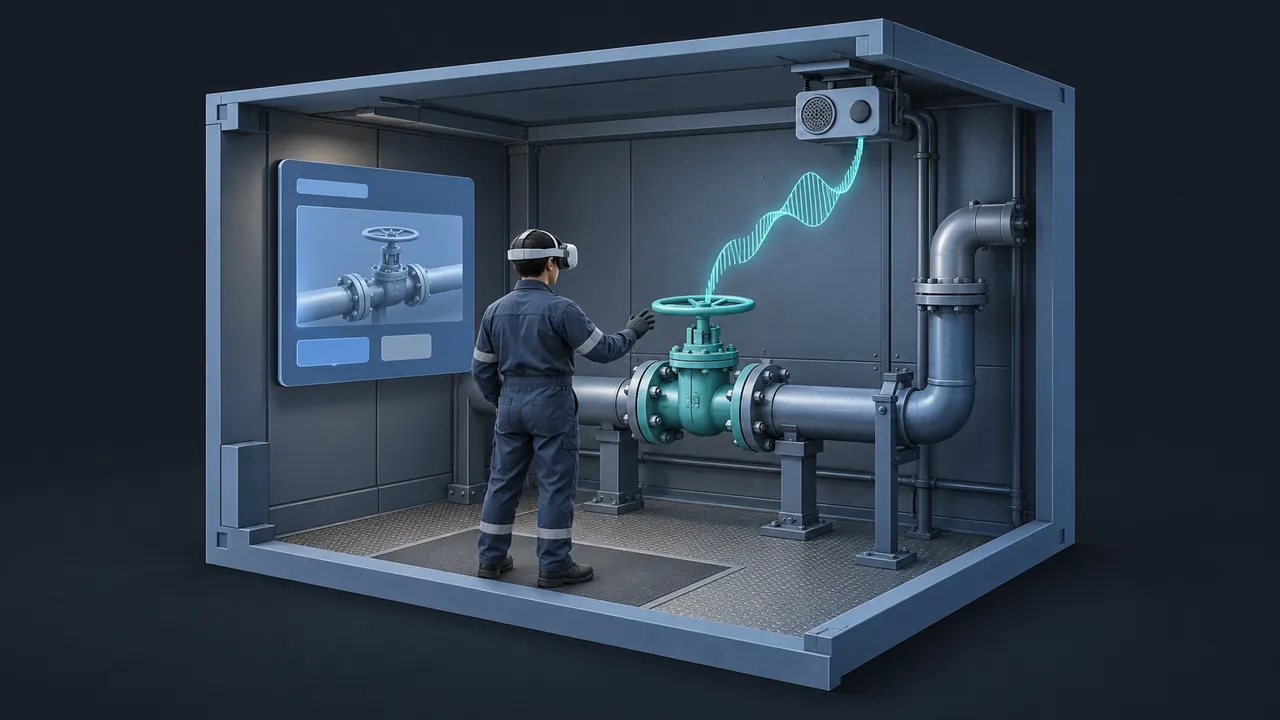
Traditional VR scenarios have a ceiling you hit fast. The virtual customer always says the same three lines, and the coach repeats the same recorded tip no matter what you did wrong. Learners figure out the script by the second run and start clicking through it. What if the characters could listen, respond and explain? How is AI VR training changing that, and what does it take to build it well?
AI makes VR training smarter by giving it characters that respond to what learners actually say, natural voices in many languages and feedback that explains the learner's specific choices in plain language. Large language models can power conversational characters and coaches. Text-to-speech tools can voice them without a recording studio. Analysis of a learner's actions and words can produce a personal debrief after each session. The best results come from tightly scoped characters, clear scenario goals and a human review step for scripts, transcripts and feedback rules before anything goes live.
Coaches and Characters That Listen
This is the biggest change. In a classic branching VR scenario, the learner picks from a menu of lines, whereas with a conversational character, the learner simply talks. Their speech becomes text, a language model generates the character's reply based on a defined role and the reply is spoken back in a synthetic voice, all within a few seconds.
Picture a new supervisor practicing a difficult conversation with a frustrated worker. The worker character has a backstory, a mood and a few things they won't admit unless asked the right way. The learner can ask questions in their own words, and the character reacts: if the learner is dismissive, the worker shuts down, but if they listen well, more of the story comes out. No two sessions are quite the same.
That's powerful for soft skills, customer service, safety conversations, medical communication and interviews. It's also useful for technical roles: a virtual senior operator can answer "why" questions during a procedure walkthrough, drawing only on approved procedure documents.
Keeping Characters on Track
A conversational character is only as good as its setup. Here's what I put in place before anyone tests it:
- A clear persona: who the character is, how they talk, what they know and what they don't.
- Limits on topics, so the character stays inside the scenario.
- Approved source material for any technical answers, so the character quotes your procedure and not general knowledge.
- Scenario goals, so the character knows when to push back, when to open up and when the conversation is done.
- A review of test transcripts by a subject matter expert (SME) before launch, and samples reviewed regularly after.
The review step is just good practice. Language models can occasionally produce confident answers that aren't quite right, so you want people who know the job reading what the character says, especially in safety-related scenarios.
Voices Without a Recording Studio
Voice work used to be a major cost and bottleneck in VR training, because every line needed a script, a voice actor, a recording session and editing. If you changed a procedure step, you'd book the studio again.
Modern text-to-speech has changed that. Tools like ElevenLabs offer natural-sounding voices, and their text-to-speech documentation shows the range of voices and languages available. For VR training, that means:
- Narration and instructions can be updated as soon as the text changes.
- Characters can speak lines generated on the fly in conversational scenarios.
- The same scenario can be offered in several languages without re-recording.
- Different characters can have distinct voices, which helps learners keep track of who's talking in a busy scene.
Listen to every voice in context before release. Check pronunciation of technical terms, site names and acronyms, which synthetic voices sometimes get wrong, although most tools let you adjust spelling or pronunciation to correct it. Also make sure you have the rights and consent needed for any voice you use, especially cloned voices.
Feedback That Explains What Happened
VR scenarios already capture a lot of data: where the learner looked, what they touched, what order they did things and how long they took. Traditionally that turned into a score and maybe a checklist, but AI can turn it into a conversation.
After a session, the scenario can send a structured summary of the learner's actions to a language model with clear instructions and a rubric. The model writes a short debrief in plain language: what went well, what was missed and why it matters. For conversational scenarios, it can comment on the transcript, such as whether the learner asked open questions or acknowledged the other person's concern.
A few design rules make this work well:
- Base the feedback on a rubric written by your experts, not on the model's general opinion.
- Keep scoring decisions in your own scenario logic. Let the model explain the result, not decide it.
- Keep the debrief short and specific. Three points the learner can act on beat a long essay.
- Let instructors see the same debrief, so they can follow up in person.
Scenarios That Adjust to the Learner
The fourth gain is quieter but useful: scenarios that adapt. A traditional VR module plays out the same way for a first-week trainee and a ten-year veteran, while with AI in the loop, the scenario can shift based on how the learner is doing.
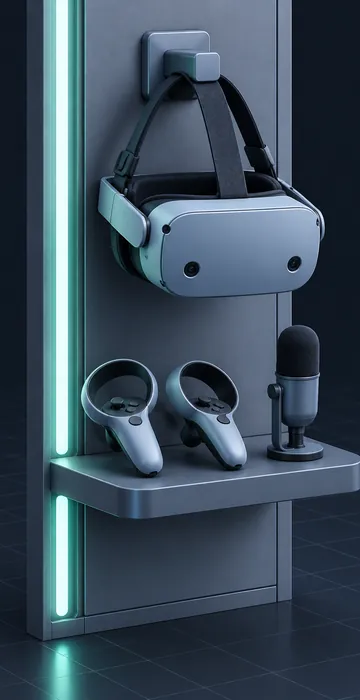
Some practical examples:
- A customer character becomes calmer or more difficult depending on how the learner handles the first minute.
- A coach offers more hints to someone who is struggling and stays quiet for someone who is moving confidently.
- A troubleshooting scenario draws from a set of approved faults, so repeat learners see a different problem each time.
- Designers use a chat assistant such as ChatGPT or Claude to draft many variations of a scenario quickly, then pick and edit the best ones.
Keep the variations inside boundaries your experts have approved, because the aim is fresh practice at the right level, not randomness. A good test is whether an SME would be comfortable seeing any version of the scenario a learner might get, and if the answer is yes, the adaptation is working for you.
Adaptive practice also helps with one of VR's oldest problems: replay value. When a scenario changes a little each time, learners stop memorizing the answers and start practicing the skill, which is the whole point of putting them in a headset in the first place.
How Do You Build AI VR Training Responsibly?
Start small and keep humans close to the work. The pattern I'd recommend for a first project looks like this.
| Stage | What AI does | What people do |
|---|---|---|
| Design | Drafts character backstories, sample dialogue and scenario variations | Choose the goals, edit the personas, approve the rubric |
| Build | Voices lines, powers conversation, generates debriefs | Test transcripts, fix pronunciations, tune limits |
| Pilot | Runs sessions and logs conversations | Review samples, gather learner feedback, adjust |
| Launch | Scales practice to every learner | Spot-check regularly and coach in person |
Plan for the practical details too. Conversational characters need a network connection and a little processing time, so test for lag on your real headsets and Wi-Fi. Decide how voice recordings and transcripts are stored, who can see them and how long they're kept, and tell learners clearly what's recorded and why. Clear answers to those questions build trust with learners and with IT.
Where Do the 3D Assets Come From?
Smarter characters raise expectations for everything around them, since learners who can talk naturally to a virtual coworker notice when the environment feels sparse. Building detailed 3D scenes has traditionally been slow, but that's changing too. If asset creation is your bottleneck, see how AI 3D models can speed up the build side of VR projects.
Smarter Practice, Same Human Judgment
AI VR training gives immersive scenarios what they've always lacked: characters that listen, voices that update instantly and feedback that speaks to each learner's actual choices. Together, these turn a scripted walkthrough into practice that adapts and explains.
The human part doesn't go away. Experts still define what good looks like, review what the characters say and coach learners after the headset comes off. If you're ready to try it, choose one conversation your people find hard, build a single well-scoped character around it and review every transcript from the pilot. You'll learn quickly where it shines and where your team's judgment adds the finishing touch.