What Is a Digital Twin in Training?
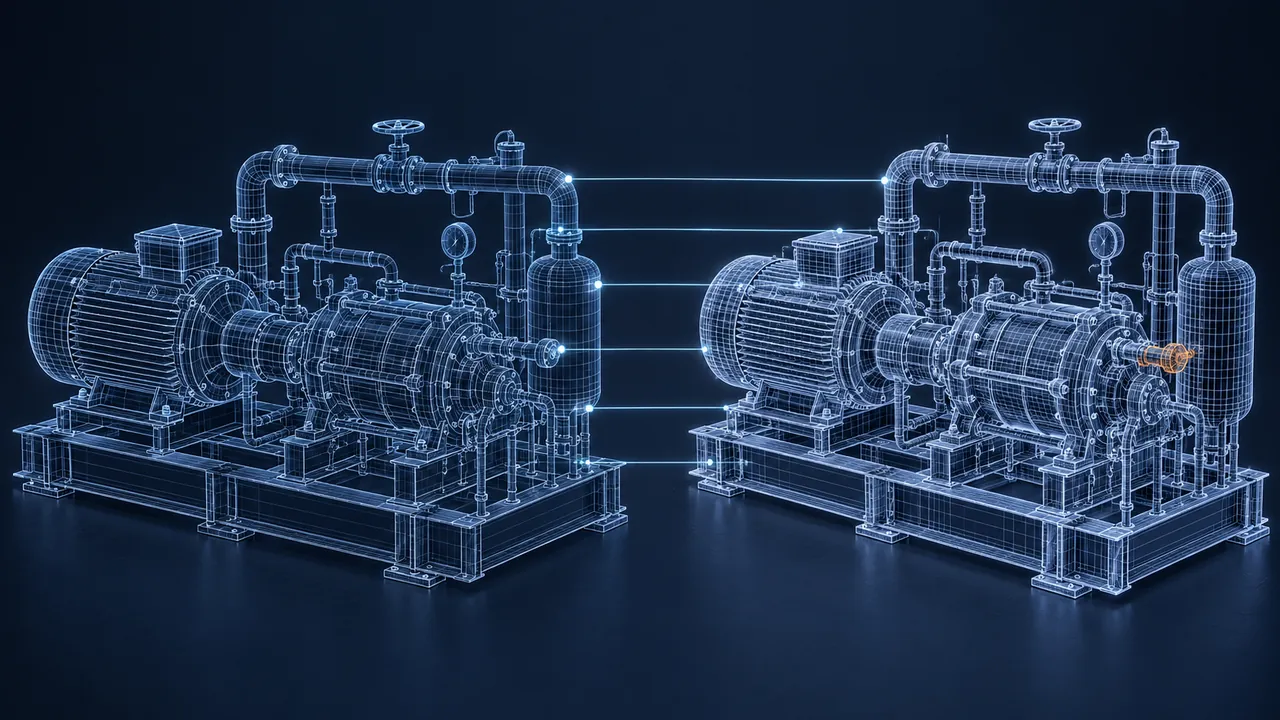
The phrase "digital twin" comes up in plenty of engineering meetings, and training teams hear it more and more. Usually it arrives with big promises and a bigger budget line. But ask three people what it means and you'll get three answers: a 3D model, a simulation, a dashboard. So what is a digital twin, and what does digital twin training look like in practice?
A digital twin is a virtual copy of a real asset, process or system that stays connected to its real-world counterpart through data, so the copy reflects how the real thing is built and how it's behaving. In training, a digital twin lets learners practice on an accurate, current version of the equipment or plant they will really work on, including its actual configuration, history and operating conditions. That's the key difference from a generic 3D model or simulation, which may look similar but isn't tied to a specific real asset. Digital twin training is most valuable for complex, expensive or hazardous operations where practicing on the live system isn't possible.
How Is a Digital Twin Different From a 3D Model or Simulation?
It helps to picture three objects on a table. The first is a 3D model of a pump. It looks right, and you can spin it around, but it doesn't do anything. The second is a simulation of a pump. It has rules, so if you close the discharge valve, the pressure rises. The third is a digital twin of pump number 3 at your plant. It has the same rules, plus it knows that pump 3 had its seals replaced last spring, runs a little hot and is currently pushing a specific flow rate.
| Feature | 3D model | Simulation | Digital twin |
|---|---|---|---|
| Looks like the equipment | Yes | Usually | Usually |
| Behaves like the equipment | No | Yes, generically | Yes, like the specific asset |
| Tied to one real asset | No | No | Yes |
| Updated with real data | No | No | Yes, regularly or continuously |
That data connection is the heart of it. The Wikipedia overview of the digital twin concept traces it back to product lifecycle and aerospace work, where engineers wanted a living record of each physical product. The training value grew out of that: if the virtual copy is accurate, it's also a very good place to practice.
How Does Digital Twin Training Work?
In practice, training teams rarely plug learners directly into a live twin. They usually work with a training copy that draws on the twin's model and data but can't touch the real equipment. Think of it as a sandbox that was poured from the real mold.
Here's what that sandbox makes possible:
- Practice on the real configuration. Learners see the actual valve layout, the actual control screens and the actual quirks of their site, not a textbook version.
- Replay real events. A past upset or near miss can be loaded from recorded data, so learners work through what really happened, step by step.
- Train on conditions that rarely occur. Startups, shutdowns and abnormal situations can be practiced on demand instead of waiting years to see one.
- Stay current automatically. When the asset changes, the twin changes, and so does the training environment built from it.
Process industries have done a version of this for a long time with operator training simulators, which mirror a plant's control system and process behavior. A digital twin pushes the same idea further by tying the model more tightly to the real asset and its live or recorded data.
Where Does Digital Twin Training Make the Most Sense?
It makes the most sense where mistakes are costly, the equipment is complex and every site is a little different. Good examples include:
- Control room operators in refineries, power plants, water treatment and chemical plants.
- Maintenance technicians working on large rotating equipment, turbines or compressors.
- Manufacturing lines where changeovers and new product introductions disrupt production.
- Facilities with complex building systems, such as hospitals, data centers and campuses.
- Field operations where each site has its own layout and history.
It makes less sense for simple equipment, generic skills or small teams. If a standard simulation teaches the skill well, connecting it to live data adds cost without adding much learning. The twin earns its keep when the specific asset matters to the specific skill.
What Does It Take to Build Digital Twin Training?
Most training teams don't build the twin itself. Engineering or operations usually owns it, often with a vendor platform. The training team's job is to turn it into a learning experience. That takes a few steps.
Find Out What Already Exists
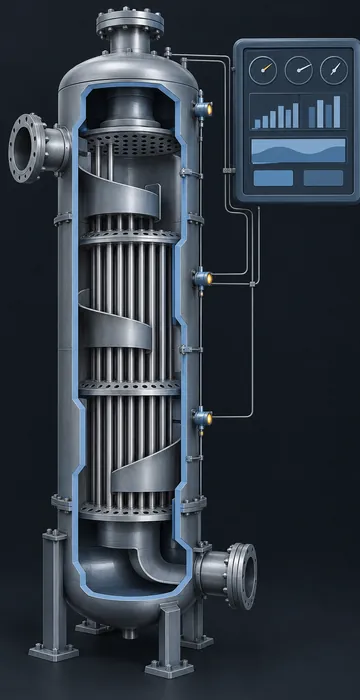
Start by asking engineering what models and data they already have. Many organizations have pieces of a twin without calling it one: CAD models, a process model, a maintenance database and sensor historians. You may be closer than you think.
Create a Safe Training Copy
Never let training traffic touch real control systems. Work with IT and operations to build a separate instance that reads from the twin or from recorded data but can't send anything back to the real asset. This is a safety and security requirement, not a nice to have.
Design the Practice, Not Just the View
A twin with a dashboard on top is a monitoring tool, not training. Learners need tasks, decisions and consequences. Write scenarios around real situations: a slow pressure drift, a failed sensor, a pump that won't restart. Decide what the learner must notice, what they must do and how they'll find out if they got it right.
Plan for Change
One of the big promises of a twin is that it stays current. Make sure your scenarios do too. Tie each scenario to the parts of the twin it depends on, and agree with the twin's owners how you'll hear about changes.
How Do You Know the Training Is Working?
Look at the same things operations already cares about. Because a twin is built on real operating data, it can also help you see whether training changed what happens on the real asset.
Useful measures include how quickly new operators reach independent shifts, how often procedures are followed in the right order during startups and shutdowns, how many alarms escalate into trips and how teams perform when you replay a past event in the training copy. You can also compare how a crew handled a replayed upset before and after training. That comparison is far more convincing than a quiz score, because it shows decisions under realistic pressure.
Keep the measures few and honest. Two or three numbers that operations trusts will do more for your program than a dashboard nobody reads.
What Are the Common Pitfalls?
The most common one is buying the technology before defining the learning goal. A stunning twin with no scenarios is a very expensive screensaver. Other pitfalls I see often:
- Assuming the twin is accurate everywhere. Data gaps and stale models are common, so validate the parts your training depends on with experienced operators.
- Showing everything at once. Real plants generate a flood of data. Beginners need a simplified view first, then more detail as they grow.
- Forgetting the people side. Experienced operators often know things the data doesn't capture. Involve them in writing scenarios and reviewing feedback.
The scenario design is where most of the learning value lives. The same principles that make branching scenarios feel real, such as believable choices, honest consequences and useful feedback, apply directly to scenarios built on a twin.
Your Plant, Mirrored, as a Place to Practice
A digital twin in training is a connected, living copy of real equipment that learners can practice on without risk. Its edge over a generic simulation is accuracy: the right layout, the right history and the right behavior for the asset people will actually run.
If your organization already has the beginnings of a twin, the training opportunity may be sitting right there. Have a conversation with engineering, pick one high-stakes task and sketch a scenario around it. You'll quickly see whether the twin gives your learners something a standard simulation can't.