What Is xAPI (Tin Can)? – Tracking Learning Anywhere
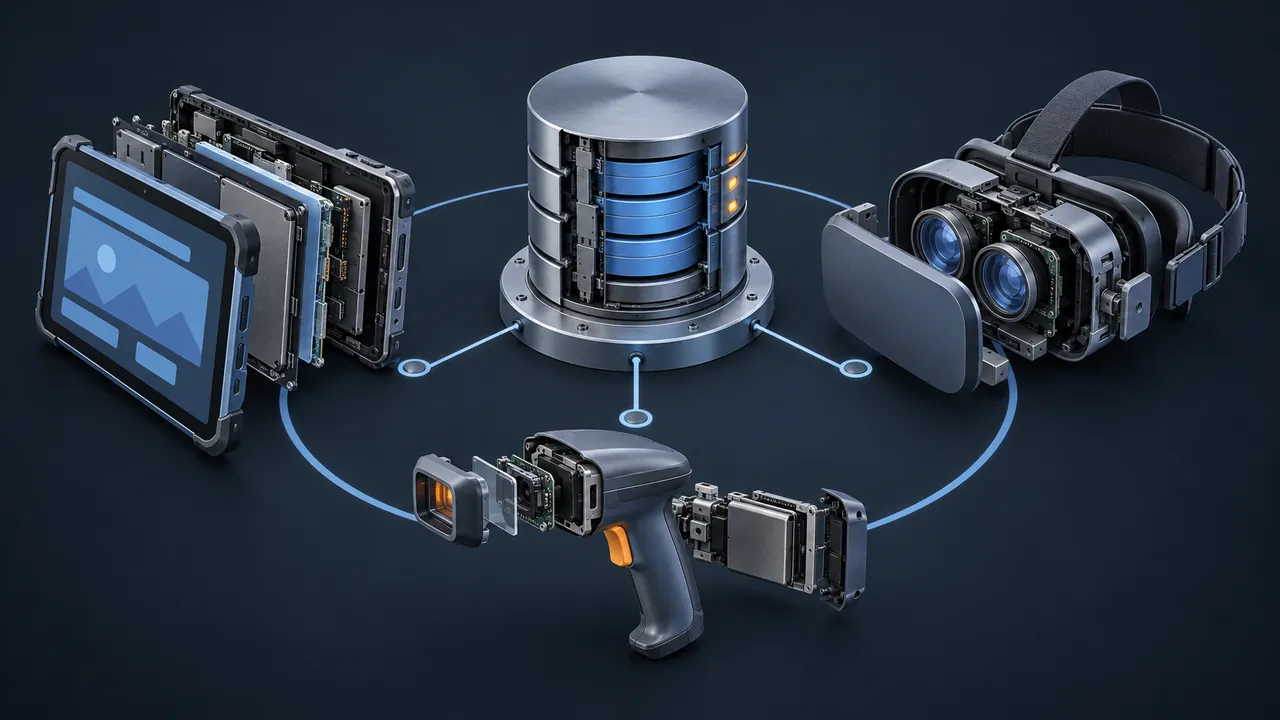
Your sales team practices in a simulation. Field technicians work through checklists on tablets. New hires watch videos on the intranet and get coached on the floor. All of that is learning, and almost none of it shows up in your LMS. The LMS only knows about the courses it launched. What is xAPI, and how does it track learning that happens everywhere else?
xAPI (the Experience API, originally nicknamed Tin Can) is an eLearning specification for recording learning experiences as simple statements, such as "Jordan completed the forklift pre-shift check," and storing them in a Learning Record Store (LRS). Every statement follows the same basic pattern: an actor (who), a verb (did what) and an object (to what), written as a small block of JSON. Any app, simulation, website or device that can send data over the web can send statements, so you can track learning far beyond courses launched from an LMS. The Advanced Distributed Learning (ADL) Initiative released xAPI 1.0 in 2013 as the next step after SCORM.
Where Did xAPI and the Name "Tin Can" Come From?
xAPI grew out of a research project. ADL, the same Department of Defense initiative behind SCORM, wanted to know what a next-generation standard should look like. It asked Rustici Software to gather feedback from the eLearning community, and the project was nicknamed Tin Can, after the childhood tin-can telephone: two ends, one simple line between them.
The community's wish list was clear. People wanted to track learning on mobile devices, offline, in simulations and games, and in places that weren't an LMS at all. They wanted content to live anywhere. The resulting specification was named the Experience API, and version 1.0 was released in 2013. In 2023 the IEEE approved it as a formal standard, IEEE 9274.1.1-2023, which many people call xAPI 2.0. You'll still see "Tin Can" in older tools and blog posts. It's the same thing.
How Does xAPI Work?
xAPI works by sending statements to an LRS over the web. If SCORM is a shipping label that tells one LMS what's in one box, xAPI is more like a diary. Any activity can write an entry, entries pile up in order, and later you can read back what happened.
The statement
A statement is the basic unit of xAPI. Here's a simplified one:
{
  "actor":  { "mbox": "mailto:jordan@example.com", "name": "Jordan" },
  "verb":   { "id": "http://adlnet.gov/expapi/verbs/completed",
              "display": { "en-US": "completed" } },
  "object": { "id": "https://example.com/activities/forklift-pre-shift-check",
              "definition": { "name": { "en-US": "Forklift pre-shift check" } } },
  "result": { "success": true, "duration": "PT6M30S" },
  "timestamp": "2017-04-02T14:05:00Z"
}
Notice that the verb and the object are identified by web addresses (technically IRIs). That's how xAPI keeps meaning consistent. "Completed" from one tool means the same as "completed" from another because both point to the same identifier. Optional sections add a result (score, success, duration), context (which course, which instructor, which team) and a timestamp.
The Learning Record Store
An LRS is the database built to receive, store and return xAPI statements. The specification defines exactly how tools send statements in and pull them back out, so any conformant LRS works with any conformant tool. Some LMS platforms include an LRS. Others don't, and you add a standalone one.
The activity providers
Anything that sends statements is an activity provider: an eLearning course, a mobile app, a VR simulation, a video player, a performance support tool, even a form a supervisor fills out after an observation. That's the big shift. The LMS is no longer the only thing allowed to report learning.
What Can xAPI Track That SCORM Can't?
xAPI can track nearly any learning activity you can describe in a sentence, from anywhere, at any level of detail. SCORM tracks a fixed set of fields from a course launched by an LMS in a browser. Here's what that difference looks like in practice:
- Learning in mobile apps, simulations, games and VR, not just browser courses
- Activity while offline, with statements stored and sent later when the device reconnects
- Fine-grained behavior inside a course: which choices someone made in a scenario, how long they spent on each step, which hints they used
- Informal learning: articles read, videos watched, coaching sessions attended
- On-the-job performance, such as a supervisor recording that a technician demonstrated a procedure correctly
- Content hosted on a different server than the LMS, without the same-domain headaches SCORM brings
The ADL xAPI project page describes the specification's goals and links to the official documents if you want to read the source.
Do You Need an LMS to Use xAPI?
No. You need an LRS, not an LMS. xAPI statements go to the LRS, and the LRS is what stores and serves them. Plenty of organizations still use an LMS for enrollment, assignments and compliance records, with an LRS sitting alongside it to collect the richer data.
That said, many modern LMS platforms now include a built-in LRS or accept xAPI content directly. Before you buy anything new, ask your LMS vendor two questions: Do you have an LRS, and can I export or forward statements to another LRS? Don't skip the second one. Your data should never be stuck in one place.
If you're comparing options and wondering which standard fits a given project, the picker below asks three quick questions and points you toward SCORM, xAPI or cmi5.
For a fuller side-by-side, including where each standard falls short, see my comparison of SCORM vs xAPI and cmi5.
What Are xAPI Profiles?
An xAPI profile is a shared set of rules and vocabulary for a particular kind of activity. Because xAPI lets you write almost any statement, two tools could describe the same event in completely different ways. Profiles prevent that.

For example, a video profile might define verbs like played, paused, seeked and completed, plus exactly which details to include with each. cmi5 is itself a profile: it defines how an LMS launches xAPI content and which statements that content must send. Whenever a published profile exists for your activity type, use it. Your future reports will thank you.
What Does xAPI Look Like in Real Training Programs?
xAPI shows up wherever an organization wants to connect training to what people actually do. These are the patterns I see most, described generally so you can picture them in your own shop.
Simulations and scenarios
A branching customer-service scenario can send a statement for every decision point: which option the learner chose, whether it was the best one, and how long they took. Instead of "scored 80%," you learn that most people handle the angry customer well but stumble on the refund policy. That's a design insight, not just a grade.
Field checklists and observations
A supervisor walks through a skills checklist on a tablet while watching a new technician perform a task. Each checked step becomes a statement like "Supervisor observed Technician correctly isolating the energy source." Now the hands-on sign-off lives right next to the eLearning record, which is exactly what an auditor wants to see.
Video and performance support
A how-to video library or a quick-reference app can report what people looked up and when. If dozens of people pull up the same job aid every Monday morning, that's a signal that the original training missed something or that the process itself is confusing.
Blended programs
A leadership program might include eLearning modules, live workshops, reading and a coaching session. xAPI lets each piece report into one place, so a program manager sees the whole path instead of four disconnected systems.
What Are the Downsides of xAPI?
xAPI's flexibility is also its biggest challenge. It gives you a blank page, and a blank page takes planning. Here are the trade-offs to weigh honestly:
| Challenge | Why it happens | What helps |
|---|---|---|
| No standard launch from an LMS | Plain xAPI doesn't define how an LMS starts content | Use cmi5 for LMS-launched courses |
| Messy, inconsistent data | Every tool can invent its own verbs | Use profiles and a written data plan |
| Reports don't build themselves | An LRS stores data; it may not analyze it | Choose an LRS with reporting, or plan dashboards |
| Privacy questions | Detailed behavior data is personal data | Collect only what answers a real question |
| Uneven LMS support | Not every LMS stores or displays xAPI | Test with your platform before building |
None of these are reasons to avoid xAPI. They're reasons to start with a clear question instead of "let's track everything." Tracking everything usually means reporting on nothing.
How Do You Start Using xAPI?
Start small and specific. The teams that succeed with xAPI pick one business question and design the data to answer it.
- Write the question first. For example: "Which steps in the lockout procedure do new technicians miss most often?"
- List the xAPI statements you'd need to answer it. Who, did what, to which step, with what result.
- Check for an existing profile and reuse its verbs and activity types wherever you can.
- Confirm where the statements will land: your LMS's built-in LRS or a standalone one.
- Build one activity, send test statements, and read them back in the LRS before you scale up.
- Build the report. If you can't answer your original question from the data, adjust the statements, not the question.
Most authoring tools can publish xAPI packages, which is an easy first step. Just remember that a published xAPI course on its own only sends generic statements. The real value shows up when you plan the data on purpose.
What Is xAPI Good For? Telling the Whole Learning Story
So, what is xAPI? It's a simple, flexible way to record learning as statements ("someone did something") from any app, device or activity, stored in a Learning Record Store you control. Where SCORM tells you whether a course was finished, xAPI can tell you how someone learned, practiced and performed, inside the LMS and far outside it.
If your training lives entirely in browser courses, SCORM may still cover you. If it lives in simulations, apps, the field or the flow of work, xAPI is the tool built for that. Your first project should be small: one activity, one question your current reports can't answer, and a handful of statements designed to answer it.