What Is SCORM? – How eLearning Talks to Your LMS
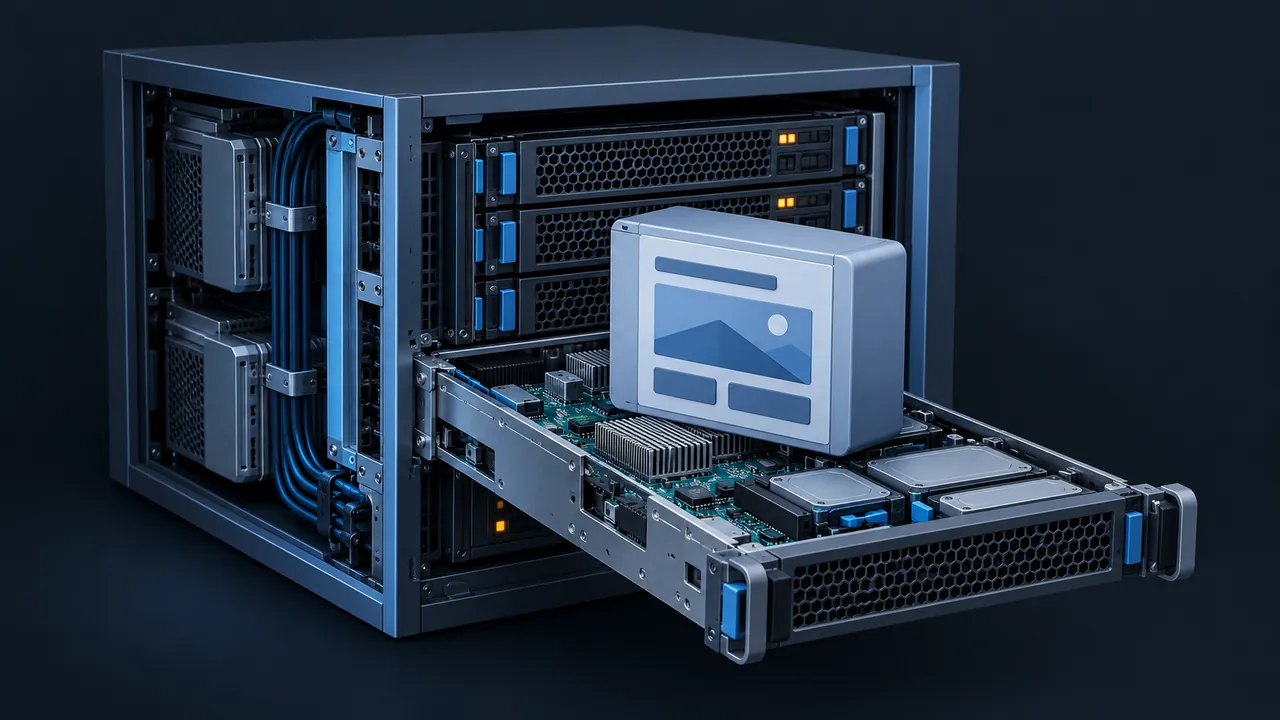
A vendor just handed you a course as a zip file, and your LMS has a big button that says "Upload SCORM package." You click it, the course launches, and a learner's record flips to complete. It feels like magic until the day it doesn't work, and then everyone on the email thread starts throwing around words like manifest, API and suspend data. What is SCORM, and how does it let a course talk to your LMS?
SCORM (Sharable Content Object Reference Model) is a set of technical standards that lets eLearning content and a learning management system (LMS) work together, even when different companies built each one. It defines how a course is packaged into a zip file any compatible LMS can import, and how the course talks to the LMS while a learner is inside it, reporting completion, score, time and bookmark. SCORM came from the U.S. Department of Defense's Advanced Distributed Learning (ADL) Initiative, and its main versions, 1.2 and 2004, remain the most widely supported course formats. When both sides are SCORM compliant, a course usually uploads, launches and tracks with no custom code.
Where Did SCORM Come From?
SCORM came out of a very practical problem: the military bought computer-based training from many different vendors, and every course only worked in the system it was built for, so moving a course meant rebuilding it. The ADL Initiative set out to fix that by pulling together existing specifications from groups like the AICC, IMS and IEEE into one reference model that everyone could build to.
ADL published the first version in 2000, and SCORM 1.2 followed in 2001 to become the version nearly every LMS learned to speak. SCORM 2004 went through four editions, the last released in 2009, and added better status reporting and sequencing rules. You can read ADL's own summary on its SCORM project page.
ADL now files SCORM among its past projects, which tells you something important: the specification is complete, and no new version is in development. For a standard whose whole job is compatibility, that stability is a feature, not a flaw.
How Does SCORM Work Behind the Scenes?
SCORM works in two layers: packaging and run-time communication, which I like to explain with a shipping analogy. The package is the box with a shipping label on it, telling the LMS what's inside and where to start, while the run-time conversation is the tracking updates the box sends home as it travels.
Layer one: the package
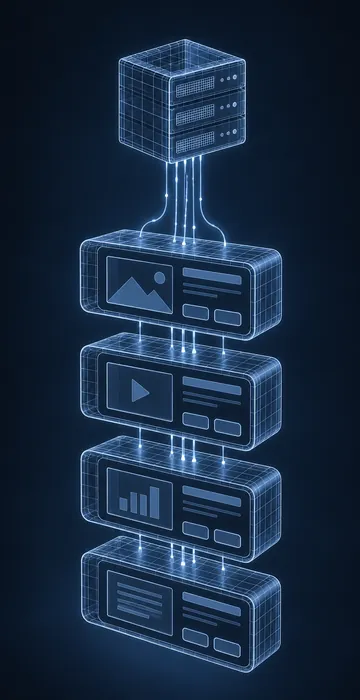
A SCORM package is a zip file with a file called imsmanifest.xml, the manifest, sitting at its root. It lists the course's structure, names the file the LMS should launch first, and declares which SCORM version the content uses. Everything else in the zip is ordinary web content: HTML pages, JavaScript, images, audio and video.
The launchable pieces are called SCOs (Sharable Content Objects), and most modern courses are a single SCO, meaning the whole course is one launchable unit. Older or more modular courses might contain several SCOs, each tracked separately.
Layer two: the run-time conversation
When a learner clicks Launch, the LMS opens the course in a browser window and provides a JavaScript object called the API. The course goes looking for that object in its parent windows, finds it, and starts talking. In SCORM 1.2 the conversation looks roughly like this:
LMSInitialize("");
LMSGetValue("cmi.core.lesson_location");   // where did they leave off?
LMSSetValue("cmi.core.score.raw", "85");
LMSSetValue("cmi.core.lesson_status", "passed");
LMSCommit("");
LMSFinish("");
SCORM 2004 uses the same pattern with shorter names: Initialize, GetValue, SetValue, Commit and Terminate. The LMS stores every value the course sets, and that is the whole trick. The course never talks to a database directly; it simply hands values to the LMS through the API, and the LMS takes care of saving them against the learner's record.
What Data Does SCORM Track?
SCORM tracks a fixed, fairly small set of data elements called the data model. You can't invent new fields, but the ones it has cover what most training programs need for reporting and compliance.
| What it records | SCORM 1.2 element | SCORM 2004 element |
|---|---|---|
| Completion | cmi.core.lesson_status | cmi.completion_status |
| Pass or fail | cmi.core.lesson_status (same field) | cmi.success_status |
| Score | cmi.core.score.raw, min, max | cmi.score.scaled, raw, min, max |
| Bookmark | cmi.core.lesson_location | cmi.location |
| Saved progress | cmi.suspend_data | cmi.suspend_data |
| Time in session | cmi.core.session_time | cmi.session_time |
| Quiz responses | cmi.interactions | cmi.interactions |
Notice the first two rows: in SCORM 1.2, completion and pass/fail share one field, so a course can report "passed" or "completed" but not both cleanly. SCORM 2004 splits them, which is one of the biggest practical differences between the versions. If you're deciding which to publish, my breakdown of SCORM 1.2 vs 2004 walks through the trade-offs in detail.
What happens when the learner closes the window?
This is where a lot of tracking problems are born. A well-behaved course calls Commit regularly and Terminate (or LMSFinish in 1.2) when the learner exits, which tells the LMS to save everything and close the session. If the learner slams the browser tab shut before that last call goes through, the final score or completion may never arrive.
Good authoring tools and good LMS platforms both work hard to catch that moment, but it's still the first thing I check when someone tells me "the course says complete but the LMS doesn't."
Suspend data deserves a quick mention too, because it's the free-text field where the course stores its own progress notes so a learner can resume later. SCORM 1.2 caps it at 4,096 characters, which long courses with lots of interactions can outgrow.
What Does "SCORM Compliant" Actually Mean?
"SCORM compliant" means a course or LMS follows the SCORM specification closely enough that it should work with other compliant products. It does not mean every combination will behave identically, and that gap trips people up all the time.
The reason is that the specification leaves room for interpretation in places, and LMS vendors make different choices. One LMS might treat "passed" as complete; another might wait for a separate completion flag. One might open courses in a new window while another uses a frame, and both can honestly call themselves compliant.
So when a vendor says "our LMS is SCORM compliant," ask three follow-up questions:
- Which versions? SCORM 1.2, SCORM 2004, or both? If 2004, which editions?
- How do you handle status? Does a "passed" result count as complete in your reports?
- Can I test a sample package before we sign? A five-minute test beats a five-page feature sheet.
Back when ADL actively maintained SCORM, it published conformance test suites that vendors could run against their products, and many LMS vendors still mention passing them. That's a good sign, but it tests the product against the specification, not against your particular courses.
Rule of thumb: treat "SCORM compliant" as a promise that it should work, then prove it with your actual courses in your actual LMS.
How Do You Create a SCORM Package?
You almost never build a SCORM package by hand. Authoring tools such as Articulate Storyline, Rise 360, Adobe Captivate, iSpring Suite and Lectora all publish to SCORM with a few clicks. The real work is choosing the right settings before you select Publish.
- Pick the version your LMS handles best. When in doubt, SCORM 1.2 has the widest support.
- Set the tracking rule. Should the course report complete when the learner views a certain number of slides, or when they pass the quiz?
- Set the reporting status. In SCORM 1.2 you usually choose between "passed/failed" and "complete/incomplete." Match what your LMS expects.
- Publish and test outside your LMS first. A free test environment such as SCORM Cloud will show you exactly which values the course sends.
- Upload to a test course in your LMS, launch it as a learner, exit halfway, relaunch and finish. Check the report.
That fifth step catches most problems: resume failing, completions not sticking, scores showing as zero. It takes ten minutes and saves days of help-desk tickets later.
What Are SCORM's Limits?
SCORM was designed for a learner sitting at a browser and launching a course from an LMS, so it starts to strain once you step outside that picture.
- It needs the LMS to launch the content. A mobile app, a simulator or a job aid can't report SCORM data on its own.
- Content and LMS usually need to live on the same web domain because of browser security rules, which complicates hosting courses elsewhere.
- The data model is fixed. You can record a score, but not "watched the safety video twice and paused at the lockout step."
- It assumes a live connection. Offline learning isn't part of the design.
Those limits are why ADL sponsored the Experience API (xAPI), and they're also why cmi5 exists: a newer specification, now under ADL's care, that keeps SCORM's LMS-launch model while recording xAPI's richer data. For most standard compliance and onboarding courses, though, SCORM still does the job well. The SCORM Explained guide from Rustici Software is a good next read if you want the full technical picture.
Is SCORM Still Worth Using?
Yes, for most organizations it is still worth using. When a new team member asks "What is SCORM, and why does every vendor bring it up?", the honest answer is reach. SCORM is the format your LMS almost certainly supports, your authoring tool already publishes, and your content vendors already deliver, and that universal support is hard to beat.
Choose something newer when you have a specific need SCORM can't meet: tracking learning outside the LMS, recording detailed behavior inside simulations, or hosting content on a separate server. If none of those apply, SCORM 1.2 or SCORM 2004 will carry your courses for years.
What Is SCORM, Really? A Label, a Phone Line and a Promise
Strip away the acronyms and SCORM is simple. It's a labeled box (the zip and its manifest), a phone line between the course and the LMS (the JavaScript API), and a shared vocabulary for what gets said on that line (the data model). Because everyone agreed on those three pieces, courses and LMS platforms from different vendors can work together.
Your next step is easy: pick one course in your LMS, launch it as a test learner, and watch what gets recorded. Once you've seen the plumbing work, every SCORM conversation you have with a vendor gets a lot shorter.