How to Audit a Legacy eLearning Library – Keep, Fix or Retire
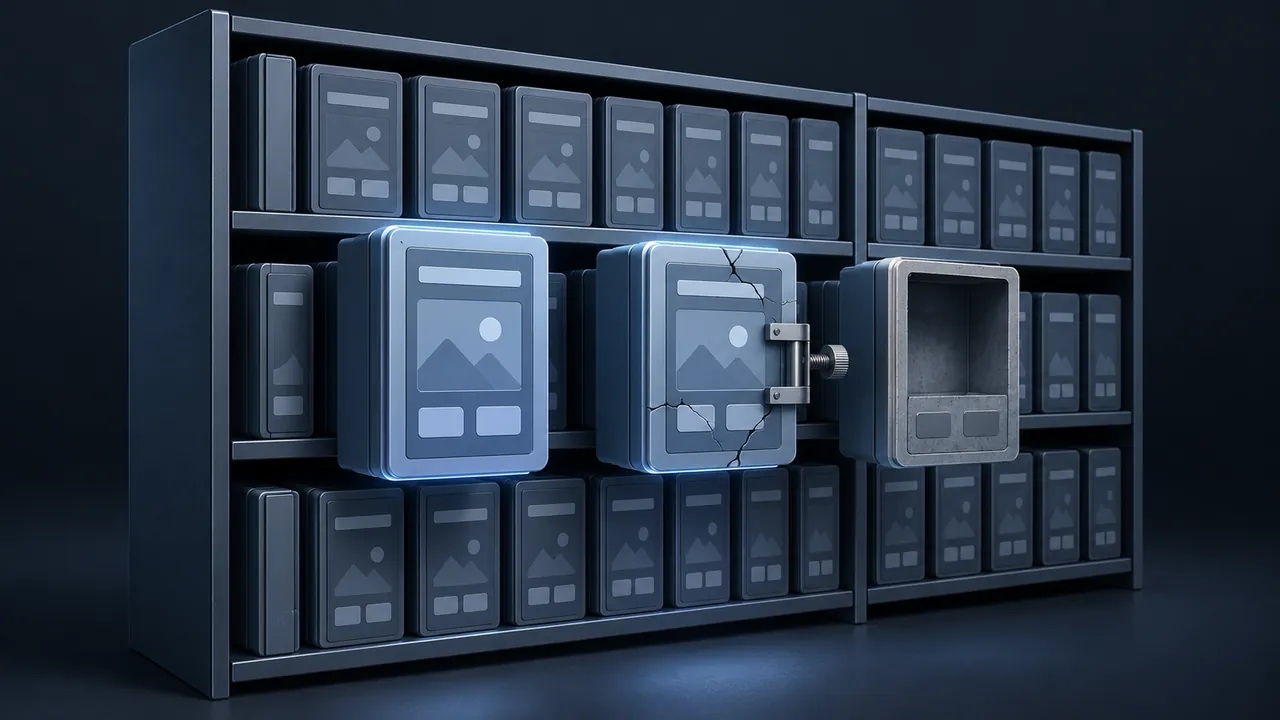
Most training libraries grow the way a garage does: items get added, nothing gets thrown out, and after a few years nobody is sure what's in the back corner. You might have hundreds of courses in the LMS, some built years ago, some for programs that ended, and some that people still depend on every week. How do you run an eLearning content audit that tells you what to keep, what to fix and what to retire?
An eLearning content audit is a structured review of every course in your library to decide whether each one should be kept as is, fixed, rebuilt or retired. You start by exporting a list of courses with usage data from your LMS, then score each course on a few simple criteria: is it still needed, is the content accurate, does it run on current devices, is it accessible and can your team edit it. The scores point each course toward a decision, and a small review group confirms the calls. The result is a shorter library and a clear list of fixes.
Why Run an eLearning Content Audit at All?
Because old courses cost money even when nobody takes them. They clutter the catalog, confuse learners searching for the right course and create compliance risk when outdated procedures stay assigned. A course that teaches a step the plant stopped using two years ago is worse than no course at all.
An audit also gives you something you rarely have, which is a clear picture of the entire library. When a manager asks for budget to modernize it, a list of 40 courses that need fixing, with reasons, lands much better than "we have a lot of old material."
Step One: Pull the Data Before You Open a Single Course
Start with what the LMS already knows. Export a report with every course and as many of these fields as you can get:
- Course title, ID and owner or sponsoring department
- Date created and date last updated
- Number of enrollments and completions in the last 12 to 24 months
- Whether it is assigned as required training and to whom
- Format or authoring tool, if recorded
- Location of source files, if anyone knows
Don't worry if some columns are blank, because blanks are findings too. A course with no owner and no source files is already telling you something important.
Step Two: Score Each Course
Use a short, consistent scoring sheet; five criteria are usually enough. Score each criterion from 1 (poor) to 3 (good), and keep your notes brief.
| Criterion | Question to ask | Where the answer comes from |
|---|---|---|
| Need | Does anyone still need this for their job or for compliance? | Usage data, assignments, the course owner |
| Accuracy | Is the content still correct? | A quick review by a subject matter expert |
| Technology | Does it run in current browsers and on tablets? | A quick launch test |
| Accessibility | Can people using keyboards, screen readers or captions use it? | A basic accessibility check |
| Maintainability | Can your team edit it with the tools and files you have? | Source file check |
For the accessibility score, you don't need a full audit of every screen at this stage. A quick check against the basics in the W3C's WCAG overview, such as captions, keyboard access, contrast and alt text, is enough to sort courses into "fine," "needs work" and "serious problems."
Don't let scoring turn into a research project. Spend minutes per course, not hours, since you can investigate the ones that need it more carefully later.
Step Three: Make the Keep, Fix or Retire Call
The scores suggest a decision, but people make it. Here is how the categories usually break down.
Keep
High need, accurate, runs well, reasonably accessible and editable. Leave it alone apart from a light polish, and set a date for its next review.
Fix
High need with one or two problems you can solve without starting over: an outdated screen, missing captions, a broken link or a quiz question that everyone misses for the wrong reason.
Rebuild
High need but low scores on technology, maintainability or accuracy. Courses stuck in obsolete formats or with lost source files usually land here.
Retire
Low need, whatever the other scores say. If nobody takes it and nobody is required to, it goes, so archive the files and a description of what it covered, then remove it from the catalog.
The chart below shows how the results might look for a hypothetical library of 240 courses. Your split will be different, but many teams are surprised by how large the retire slice turns out to be.
Number of courses in each decision category
Illustrative example: a hypothetical 240-course library. Not survey data; your results will differ.
View the data
| Courses | |
|---|---|
| Keep | 55 courses |
| Fix | 70 courses |
| Rebuild | 40 courses |
| Retire | 75 courses |
What Does a Scored Course Look Like?
Picture a hypothetical 25-minute hazard communication course built several years ago. Here is how it might score against the five criteria.

- Need: 3. It is required for all new hires at three sites.
- Accuracy: 2. Two screens show an older label format.
- Technology: 2. It runs in browsers but the text is tiny on a tablet.
- Accessibility: 1. The narration has no captions and the drag-and-drop can't be done with a keyboard.
- Maintainability: 3. Source files are on the team drive.
That course is a clear "fix." The need is high and the files are editable, so you update two screens, add captions, swap the drag-and-drop for an accessible activity and adjust the layout. If the source files had been missing, the same scores would have pushed it toward "rebuild."
Which Mistakes Make an Audit Useless?
A few common habits can turn weeks of careful work into a spreadsheet that nobody acts on.
- Scoring by title alone. Launch each course at least briefly. Titles lie, and some courses that sound current are not.
- Skipping the device test. A course that runs on your office desktop may fail on the tablets your field crews actually use.
- Letting every owner veto every retirement. Ask for a reason, not just an objection.
- Ending with a list but no dates. Every fix and rebuild needs an owner and a target month, or it will sit.
Who Should Make the Final Calls?
A small group, not one person. Include someone from training, a representative from the departments that own the most courses and someone who understands compliance requirements. In regulated settings such as energy, healthcare or government, that compliance voice is essential, because some courses must exist even if few people take them each year.
Give owners a chance to object before a course is retired by sending a short list: "These courses will be removed from the catalog on this date unless you tell us why they're needed." Most owners will stay quiet, but the ones who speak up usually have a good reason, and you want to hear it.
How Long Does an eLearning Content Audit Take?
It depends on library size and how clean your LMS data is. As an illustration, a team that spends roughly 10 to 15 minutes scoring each course would need somewhere between 40 and 60 working hours to score a 240-course library, plus time for data cleanup and review meetings. Spreading that across two or three people over a few weeks is realistic for most teams.
You can speed up the process by tackling the easy decisions first and sorting by usage. Courses with zero completions in two years and no required assignment can often be flagged for retirement in bulk, after the owner check.
What Do You Do With the Results?
Turn them into a plan with three parts:
- A retirement list with dates, owners notified and archive locations noted.
- A fix list, grouped by type of fix (captions, outdated screens, broken links) so the team can batch the work.
- A rebuild list, ranked by need, with rough effort estimates.
The rebuild list is where the hard choices live. For borderline courses, it helps to think through whether to update or rebuild eLearning on a case-by-case basis, since the cheapest-looking option isn't always cheapest over the life of the course.
Retirement needs its own small checklist, because auditors sometimes ask about courses that no longer exist. Before you pull a course from the catalog, save:
- The published package and any source files, in a clearly named archive folder.
- A one-paragraph summary of what the course covered and who took it.
- An export of its completion records.
- The retirement date, who approved it and what replaced it, if anything.
That documentation takes a few minutes per course and saves a scramble if a question comes up years later.
Finally, schedule the next audit, because a light annual review keeps the library from drifting back into garage territory.
A Smaller Library Is a Stronger Library
An eLearning content audit gives you a clear answer for every course: keep it, fix it, rebuild it or retire it. Pull the LMS data first, score each course quickly and consistently, let a small group confirm the calls and turn the results into a ranked plan.
If you're starting now, run the LMS export and sort it by completions. The courses at the bottom of that list will tell you a lot about where to begin, and clearing them out makes everything else easier to find.