Can AI Generate Training Video? – B-Roll, Scenes and Limits
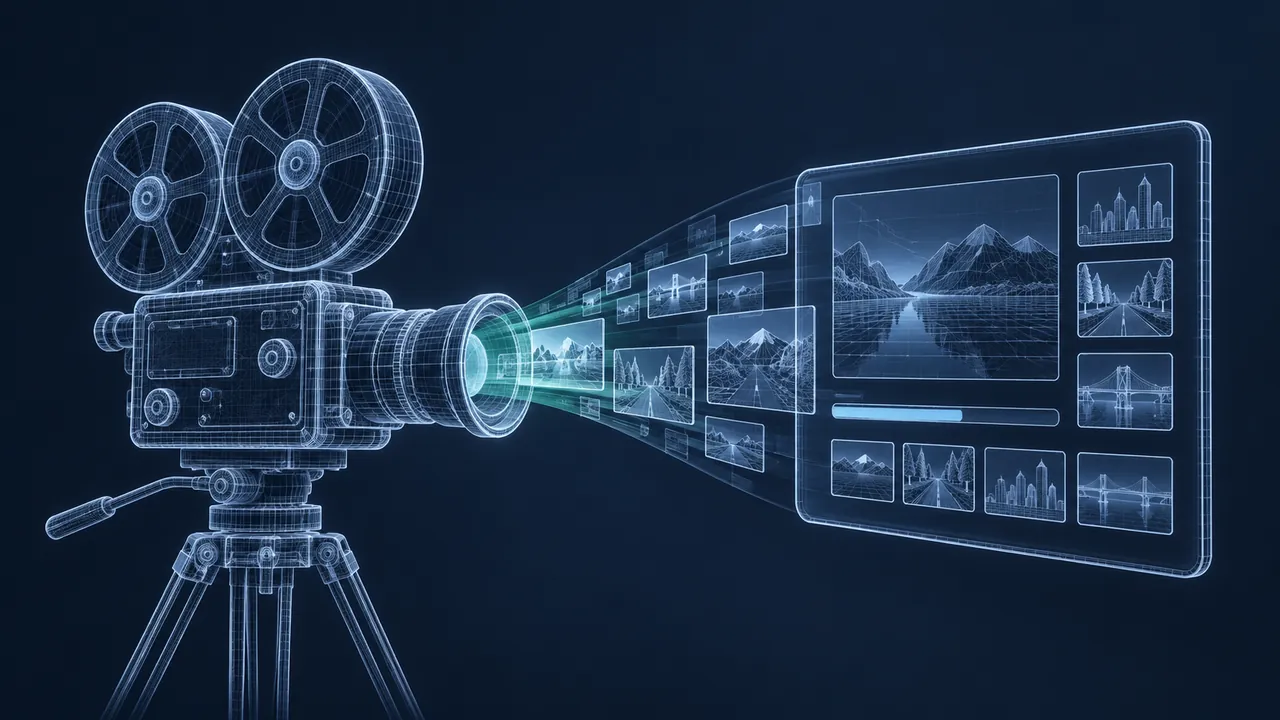
A video shoot for one short training module can mean a crew, a location, a day of filming and two weeks of editing. So when a new AI tool turns a sentence into a moving scene in a few minutes, every training manager starts doing the math. Could you skip the shoot and make a whole course's worth of video for the cost of a subscription? Can an AI training video generator really make usable training video, and where does it fall short?
Yes, AI can generate useful training video today, especially B-roll, establishing shots, concept visuals, simple scenes and on-screen presenters, but it can't yet be trusted to show precise procedures, specific equipment or exact safety practices correctly. Text-to-video tools like OpenAI's Sora, Google's Veo and Runway create short clips from a description. Avatar platforms like Synthesia and HeyGen turn a script into a presenter-led video. Both save real time and money for the right kind of content. For anything a learner will copy on the job, such as how to hold a tool, where to put a hand or which valve to close, you still need real footage or carefully checked visuals.
What Kinds of AI Video Tools Are There?
There are two main kinds of AI video tools, and they solve different problems.
| Type | Examples | What it makes | Best use in training |
|---|---|---|---|
| Text-to-video generators | Sora, Veo, Runway | Short clips from a written prompt or an image | B-roll, scene-setting, concept visuals |
| Avatar presenter platforms | Synthesia, HeyGen | A digital presenter speaking your script | Explainers, updates, multilingual versions |
There's a third group, AI-assisted editing tools, that help with cutting, captions and cleanup. That's a different job from generating footage, so I've left it out of this comparison.
Where AI Video Works Well in Training
B-Roll and Establishing Shots
Background footage is the sweet spot. A slow shot over an office floor, a warehouse at dawn, a generic control room or a city street sets the scene behind narration. Nobody is copying a procedure from it, so small oddities don't matter much. Generating a few clips is often faster than searching stock libraries for something that almost fits.
Concept Visuals
Abstract ideas like data flowing through a network, a supply chain moving, or a risk spreading through a system are hard to film. AI video handles these well, because there's no "correct" version for it to get wrong.
Scenario Openers
A short scene that sets up a situation, like a busy shop floor before a near miss or a tense meeting room, can grab attention before learners make decisions. Keep these short and simple, and check them carefully for anything that could teach the wrong behavior.
Presenter-Led Explainers
Avatar platforms like Synthesia are good at policy updates, product announcements and short explainers that need a human-looking presenter. Their biggest win is updates and translation, because you change the script and regenerate the video without a reshoot or another booking with the presenter.
What Are the Limits of AI Training Video?
Knowing the limits is what keeps AI video useful instead of embarrassing. These are the ones that matter most for training:
- Procedural accuracy. AI doesn't know your lockout steps, your equipment or your safety rules. It may show a worker without gloves, a tool held wrong or a step in the wrong order.
- Specific equipment. It can make "a pump" but not your pump. Real gauges, labels and controls come out vague or wrong.
- Readable text. Signs, screens and labels in generated video are often garbled.
- Consistent characters. Keeping the same person, clothes and setting across several shots is still hard.
- Hands and fine motion. Fingers, tools and small objects can look strange or physically impossible.
- Clip length. Most generators produce short clips, so longer sequences need careful editing.
For safety training in particular, a wrong visual is worse than no visual. Learners copy what they see, so if the generated worker isn't wearing eye protection, that's the lesson you just taught.
A Workflow That Keeps AI Video Accurate
Use AI video inside a normal production process, with checks built in:
- Script first. Decide what each shot must show and what it must not show.
- Sort shots into three groups: safe for AI (mood, setting, concepts), AI with careful review (simple scenes with people), and real footage only (procedures, equipment, safety practices).
- Write detailed prompts. Describe the setting, lighting, camera angle and what people are wearing, including safety gear.
- Generate several versions and pick the best. The first try is rarely the keeper.
- Review every clip frame by frame with a subject matter expert for anything a learner could copy.
- Edit clips together with narration, captions and your real footage.
Where AI still needs you: an expert reviewer has to watch every generated clip for safety gear, tool use and anything a learner might imitate. That review is the step that makes AI video safe to use.
Prompt Tips for Training Footage
Generic prompts give generic footage. A few habits make AI clips look less like stock and more like your workplace:
- Describe the camera. "Slow push-in at eye level" or "wide shot from a high corner" gives you shots that cut together naturally.
- Describe the light. "Overcast daylight through tall windows" looks more real than no lighting note at all.
- Keep people small and in the background when accuracy doesn't matter. Distant figures hide the errors that close-ups expose.
- Ask for the right gear. Name hard hats, high-visibility vests, gloves and glasses if they'd be worn in that setting.
- Avoid signs and screens, or plan to cover them with your own graphics in editing.
Save prompts that work in a shared file, along with the settings you used. Consistency across a course matters, and a good prompt is the closest thing you have to a style guide for generated footage.
Is AI Video Cheaper than a Shoot?
For the right shots, usually. A clip that would have required a location, a crew and a day of setup can be generated and reviewed in an hour or two. Updates are where the savings grow, especially for avatar videos, since changing a line is a script edit rather than a reshoot.
The hidden cost is review time. Generating twenty clips to find three good ones, then having an expert check each one, adds up. Budget for that time up front, and the comparison stays honest.
What About Rights, Likeness and Disclosure?
Check three things before you publish. First, review your organization's policy on AI-generated media, since many companies now have one. Second, read the tool's terms of use for commercial and internal training content. Third, consider likeness. Avatar platforms use licensed presenters or require consent for custom avatars, and you should never create a video of a real person without their permission.
Copyright is still developing for AI-generated material. The U.S. Copyright Office has an ongoing initiative on copyright and artificial intelligence that's worth watching if you plan to sell or license your training. Many teams also choose to label AI-generated video in the course, which builds trust with learners.
So, Can an AI Training Video Generator Replace a Shoot?
Sometimes it can, for the right shots. An AI training video generator is a great tool for B-roll, scene-setting, concept visuals and presenter-led explainers that change often. It saves time, cuts costs and makes updates easy. It isn't ready to replace real footage of procedures, equipment and safety practices, where accuracy is the whole point.
The smart approach is a mix: real footage where learners need to copy what they see, AI video where they just need context, and expert review on everything. If you're weighing tools that go further and generate whole courses, the next question is whether an AI course creator is worth it and what it typically leaves out.