How AI Fits into ADDIE and SAM – Every Phase, Mapped
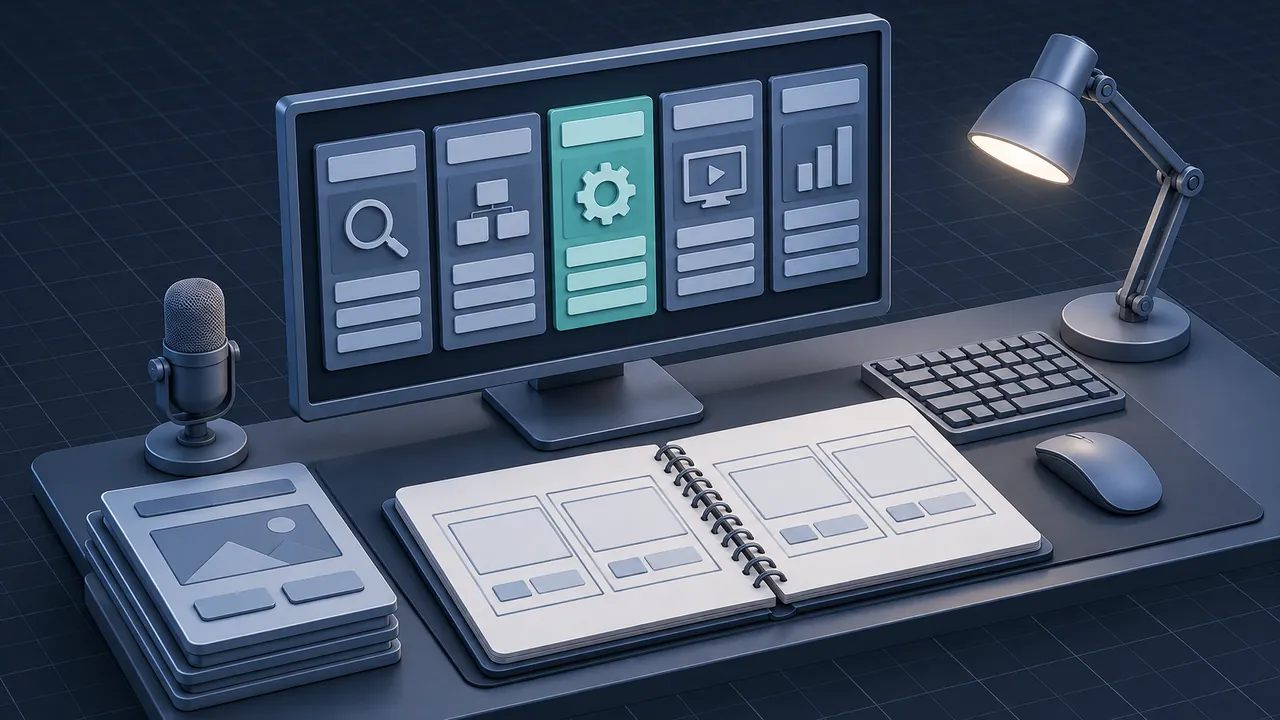
Your team already has a process, whether it's classic ADDIE with sign-offs between phases, or the SAM approach with quick prototypes that you adopted years ago. Now everyone has an AI assistant open in another tab, and the big question in your next team meeting is where those tools belong. Bringing AI into ADDIE doesn't mean throwing out the model you know; it means finding the spots where the tools save hours and the spots where a person must stay in charge. Where does AI actually fit in ADDIE and SAM, phase by phase?
AI fits into every phase of ADDIE and SAM as a fast first-draft partner, while people keep the decisions about goals, accuracy and what ships. In Analysis it summarizes interviews and documents. In Design it drafts objectives, outlines and scenarios. In Development it speeds up narration, images, quiz items and code. In Implementation and Evaluation it helps with learner support, data patterns and survey comments. The phases themselves don't change, but the loops get shorter, which is good news for SAM teams and for any ADDIE team tired of long waits between drafts.
ADDIE and SAM in Two Minutes
ADDIE stands for Analysis, Design, Development, Implementation and Evaluation. It's the backbone of most instructional design training, and its history and variations are well documented. Teams often run it in a mostly linear way, with a review gate at the end of each phase.
SAM, the Successive Approximation Model from Michael Allen and Allen Interactions, takes a different route. It starts with a collaborative kickoff called the Savvy Start, then cycles through quick design and development iterations, with alpha, beta and gold releases along the way. The approach favors less paperwork up front and more rough prototypes people can react to. If you are still choosing between the two, our comparison of ADDIE vs SAM lays out the trade-offs.
Both models describe the same basic work, which is why AI tools slot into them in similar places, and what changes is how often you loop back.
Where AI Fits in ADDIE, One Phase at a Time
Here's the short version for each phase: what AI tools do well, and the call a person still needs to make. Use the interactive map below to compare the phases side by side, then read on for practical detail.
Analysis
Analysis is often the most rushed phase, so this is where AI can give you time back for real thinking. Feed an approved assistant your interview notes, job descriptions, incident reports or survey comments, and ask it to pull out recurring problems, tasks and gaps. It can draft an audience profile or a task list in a few minutes. Picture a designer who used to spend two afternoons reading transcripts and now spends one hour reviewing a summary and the rest of the time on follow-up calls with the people who do the job.
What stays human: deciding whether training is even the right fix. A summary can show you that new hires make errors in the order system. Only a conversation with managers will tell you whether the real cause is training, a confusing screen or a staffing gap.
Design
Design is where AI feels most like a creative partner. It can draft measurable objectives against Bloom's verbs, propose three different course outlines, write branching scenario starters and build a first set of question banks. Asking for options is the key, because you get to compare, combine and choose instead of starting cold.
What stays human: choosing the objectives that tie to the job, deciding how learners will practice and agreeing on the look and tone with stakeholders.
Development
Development is where most teams first notice the time savings. A few common uses:
- Drafting on-screen text and narration scripts from an approved storyboard.
- Generating first-pass narration with text-to-speech tools such as ElevenLabs, so reviewers hear the course early.
- Creating presenter-style video with avatar tools like Synthesia when filming isn't practical.
- Writing and debugging JavaScript for custom interactions, with help from tools like GitHub Copilot.
- Using features inside authoring tools, such as Articulate's AI Assistant in Storyline 360 and Rise 360, to draft or rewrite text and quiz questions.
What stays human: final accuracy, the voice and visuals that represent your brand, accessibility checks and the decision about what ships. If you're choosing a platform to build in, our comparison of eLearning authoring tools covers which tools fit which kinds of courses.
Implementation
During rollout, AI tools can draft launch emails, manager talking points and short job aids from the finished course. Some teams set up an assistant that answers learner questions using only approved course content. AI can also help your LMS administrator work through tracking errors by explaining log messages in plain language.
What stays human: release timing, communication with leaders and the rules for learner support.
Evaluation
Evaluation used to stall because nobody had time to read 600 open-ended survey comments. AI can summarize them by theme, flag the quiz questions most learners miss and help you spot patterns in LMS or xAPI data. That process turns a pile of data into a short list of improvements.
What stays human: defining what success means for the business, and deciding what to change next.
How Does AI Change SAM's Iterative Cycles?
AI makes SAM's loops faster and cheaper, which is the whole spirit of the model. The Savvy Start benefits first, because instead of walking into the kickoff with blank whiteboards, you can bring two or three rough prototype ideas generated from the project brief. Stakeholders react to something concrete, and reacting is easier than imagining.
During iterative design, you can turn feedback into a revised prototype in hours instead of days. During iterative development, alpha and beta builds can include draft narration and images instead of placeholder boxes, so reviewers give feedback on something close to the real experience. The gold release still needs the same careful review it always did.
One caution for SAM teams: faster prototypes can tempt you to skip the conversation about why a design isn't working. Keep the review meetings. Just make them about better drafts.
What Does This Look Like on a Real Project?
It looks like the same project plan with fewer blank-page moments. Say your team is building a 20-minute module that teaches warehouse supervisors how to run a short safety huddle at the start of each shift.
In Analysis, you record three supervisor interviews (with permission), and an approved assistant turns the transcripts into a list of what good huddles include and where they fall apart. You then confirm the list with two experienced supervisors. In Design, you ask for three module outlines: one built around a video model, one around a branching scenario and one around a checklist with practice. You pick the scenario, and the tool drafts four decision points that you rewrite to match how your warehouses really talk.
In Development, the narration draft goes to text-to-speech so the SME can hear it on day two instead of week three. The quiz items come from the objectives, and you tighten the distractors (the plausible wrong answers) yourself. In Implementation, the tool turns the module into a one-page huddle card supervisors can keep on a clipboard. In Evaluation, it groups 200 comments from the post-course survey so you can see that people loved the scenario but wanted a shorter intro.
Every one of those steps had a person deciding what was right. The tool simply made each draft show up sooner, so the team spent more of its time on review and real conversations with supervisors.
What Should Stay Human in Every Phase?
Some decisions belong to people no matter which phase you're in. Writing them down helps your team use AI with confidence instead of guessing where the lines are.
| Decision | Who owns it | Why |
|---|---|---|
| Is training the right fix? | Designer with managers | Needs context from inside the business |
| Is the content accurate? | SME | AI drafts can sound right and still be wrong |
| Does it fit our audience and culture? | Designer and stakeholders | Tone and examples need local knowledge |
| Is it accessible? | Developer and QA reviewer | Automated checks miss many issues |
| Did it work? | L&D lead with the business | Success is a business judgment |
None of these decisions are about speed; they're about judgment. That distinction is a helpful way to explain AI to nervous team members: the tools take on the drafting, and people keep the thinking that makes training worth taking.
How Do You Set Up Your Team to Use AI in ADDIE?
You set your team up by agreeing on approved tools, a shared prompt library and a review step for each phase before anyone starts a live project. A little structure up front keeps the experiments from turning into chaos.
- Confirm which tools are approved and what data can go into them. Your IT or legal team may already have a policy.
- Pick one phase to start with. Analysis summaries and Design drafts are low-risk places to begin.
- Save the prompts that worked, with a sample of the output, in one place everyone can reach.
- Add an "AI-assisted" note to your review checklists so reviewers know where to look harder.
- Hold a short retrospective after the first project. What saved time? What caused rework?
Keep notes as you go, because a shared page where people jot down "this prompt saved me an hour" or "this draft needed a full rewrite" becomes your team's playbook faster than any formal training would.
Same Phases, Shorter Loops: Your Next Step with AI in ADDIE
AI fits into ADDIE and SAM everywhere drafting, summarizing and building happen, and that's a lot of places. The phases stay the same, and so do the decisions about goals, accuracy, accessibility and success.
Your next step is small: choose one phase on your next project, try one tool with a clear review step, and talk about the results as a team. You'll learn more from one real project than from a dozen demos.